Every shot on this page was checked and updated in the pass ending Fri 28 Aug 2026, 18:05 UTC. 34 of 34 filmed shots carry a stamp; any row without one says so on the row.
Start here
The badge is now playable end to end – press the blue button at the top to watch it the way a child will.
This is the Online Safety badge before we film it. Everything on this page is a plan, and all of it can still change.
Most of it comes from your original 2017 course. Charlotte’s questions, the officer’s answers, and the chat between Soccer Star and the stranger are word for word from it. The AI section and the screen-time section are new, written from Velma’s notes.
Meet the cast below and press play to hear the voices. Then work down the right-hand column: each row is one piece of the badge. Approve it, or tell us what to change. Your notes come straight back to us.
The look of this badge
Same style as Street Smarts. Every shot starts here.
The cast
voice only
The course narratorlocked
Josh · locked
Notes
narrates the intro, the guidelines, the AI section, screen time and the quiz
LOCKED – carried forward, no recast, no re-audition
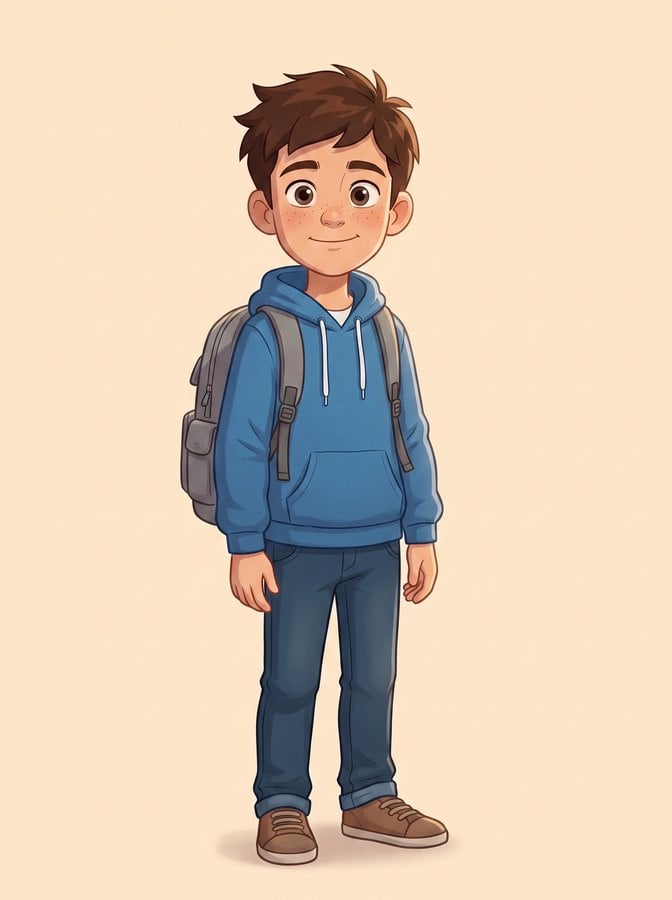
Brandonlocked
Valf · locked
Notes
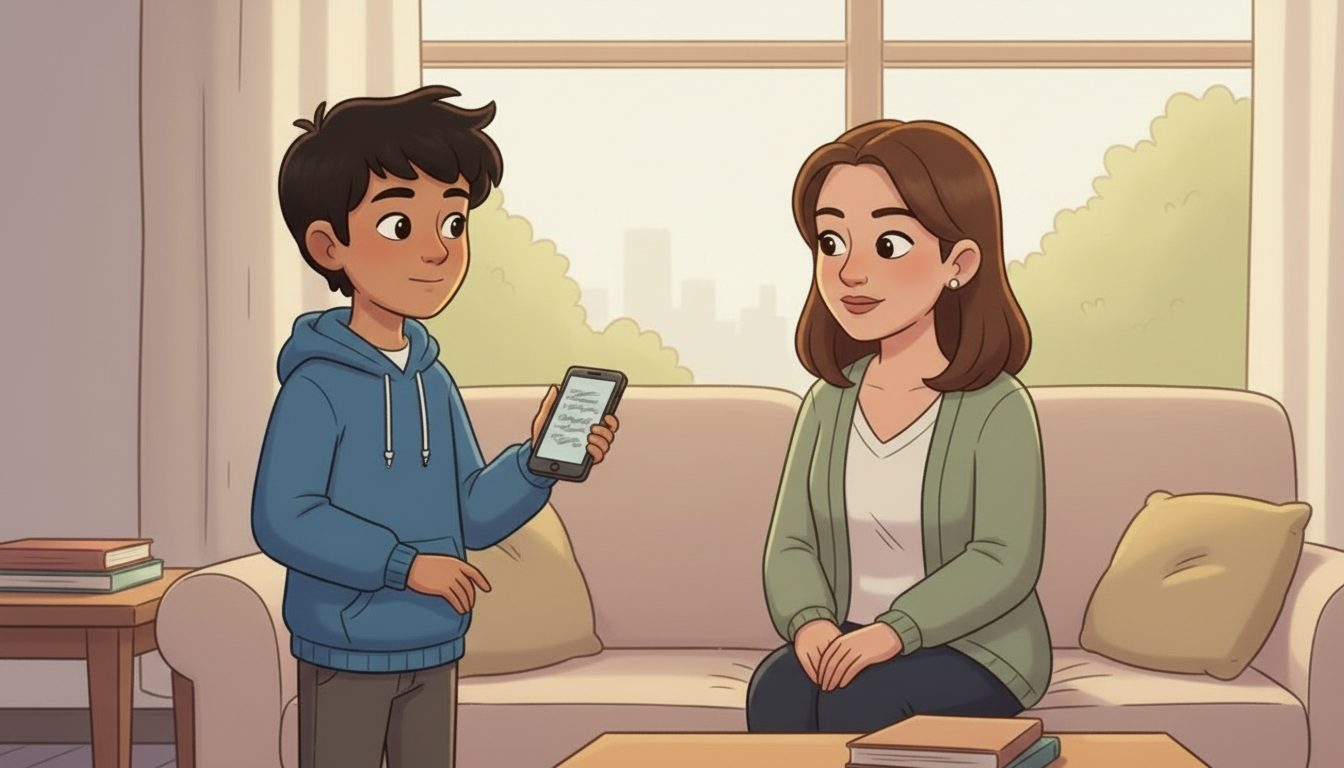
the boy the whole course follows. In Badge 4 he is the child at the screen – the guideline tiles, the AI section and the screen-time section are all him, which is why they read as one child making choices rather than nine unrelated kids.
LOCKED – carried forward from Badge 1, reuse the existing card, do not recast
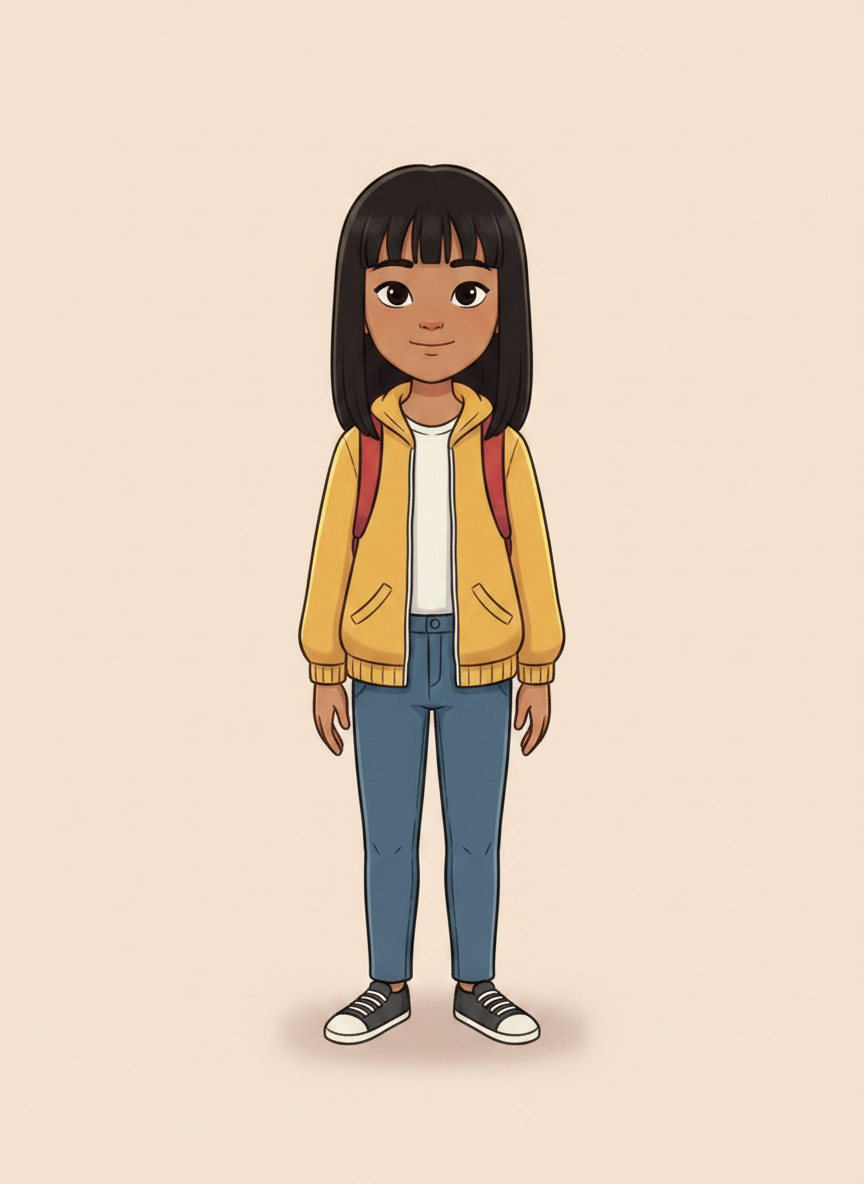
Charlottelocked
Jessica · locked
Notes
the girl who goes to the police station and asks the questions; she carries the whole of 4.2
a twelve-year-old East Asian girl with straight black shoulder-length hair, a mustard-yellow jacket over a white tee and a red backpack
LOCKED – face and voice both settled. Recast East Asian on Velma's direction ('Charlotte should be Asian'); voice chosen by Spencer from three measured takes. Her words and her questions are unchanged from the 2017 film.
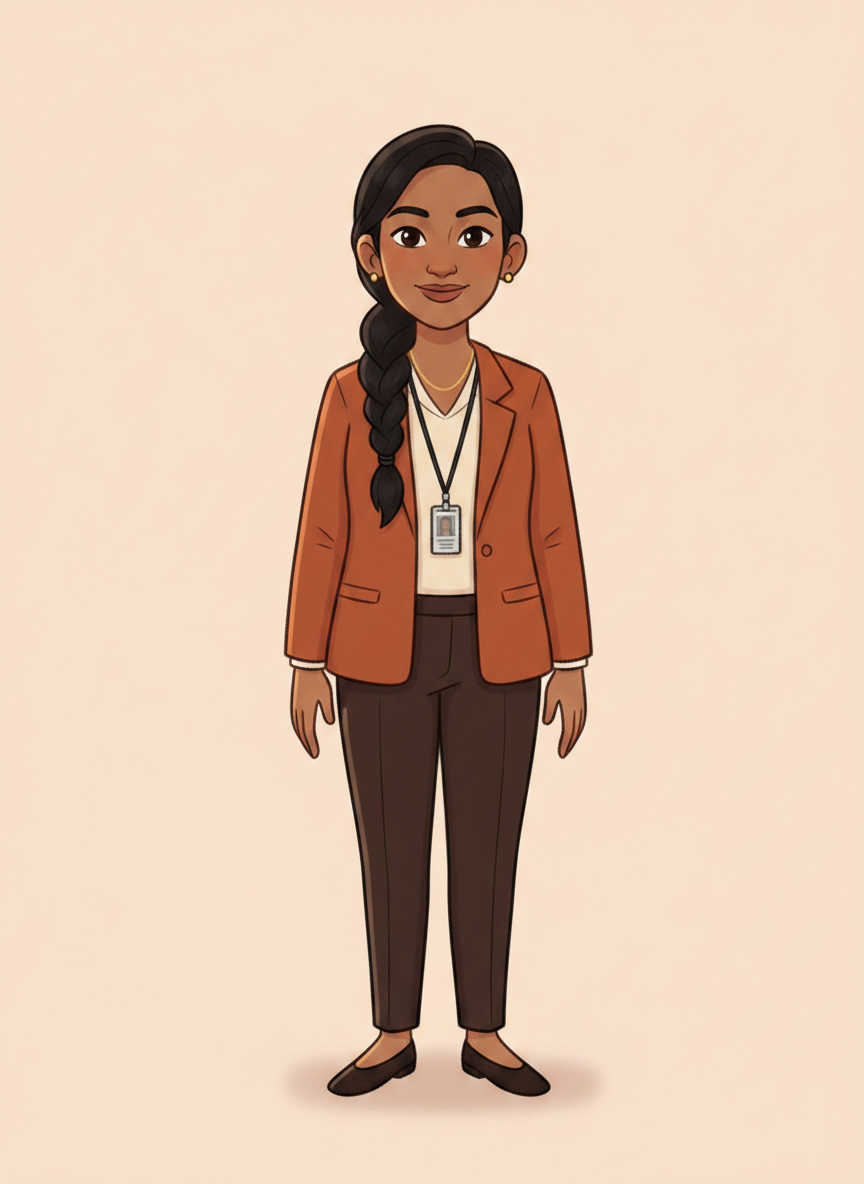
Detective Constable Harpreet Kaurlocked
Sarah · locked
Notes
the police officer who answers Charlotte; the authority the badge borrows
an adult South Asian woman police detective in her thirties, Indian or Pakistani skin tone, dark hair tied back, plain navy blazer over a light blue shirt with a police lanyard and a clipped ID card
LOCKED – face and voice both settled. Renamed and recast on Velma's direction ('change the constable's name to Harpreet Kaur, this person should have the skin tone of an Indian or Pakistani woman'); voice chosen by Spencer from three measured takes.
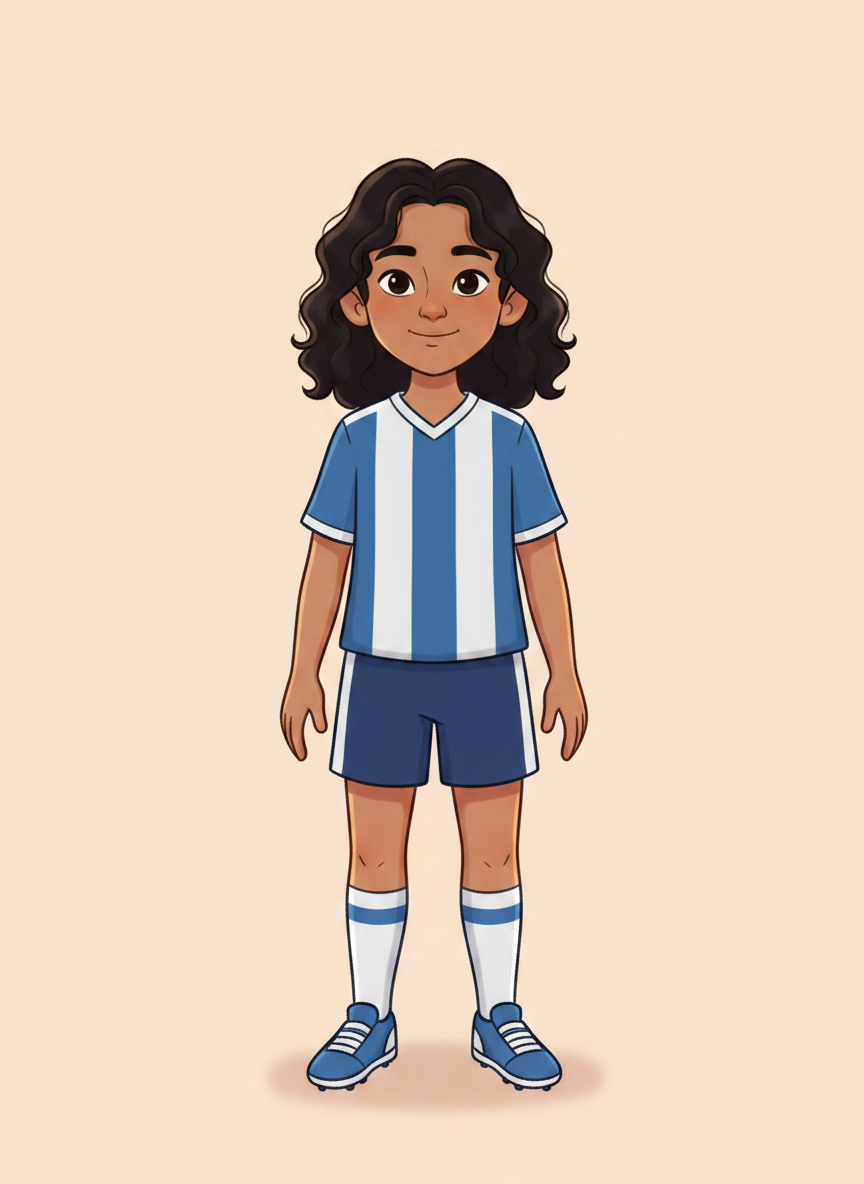
Soccer Starlocked
does not speak
Notes
the child being talked to by a stranger in 4.4; the child the viewer is
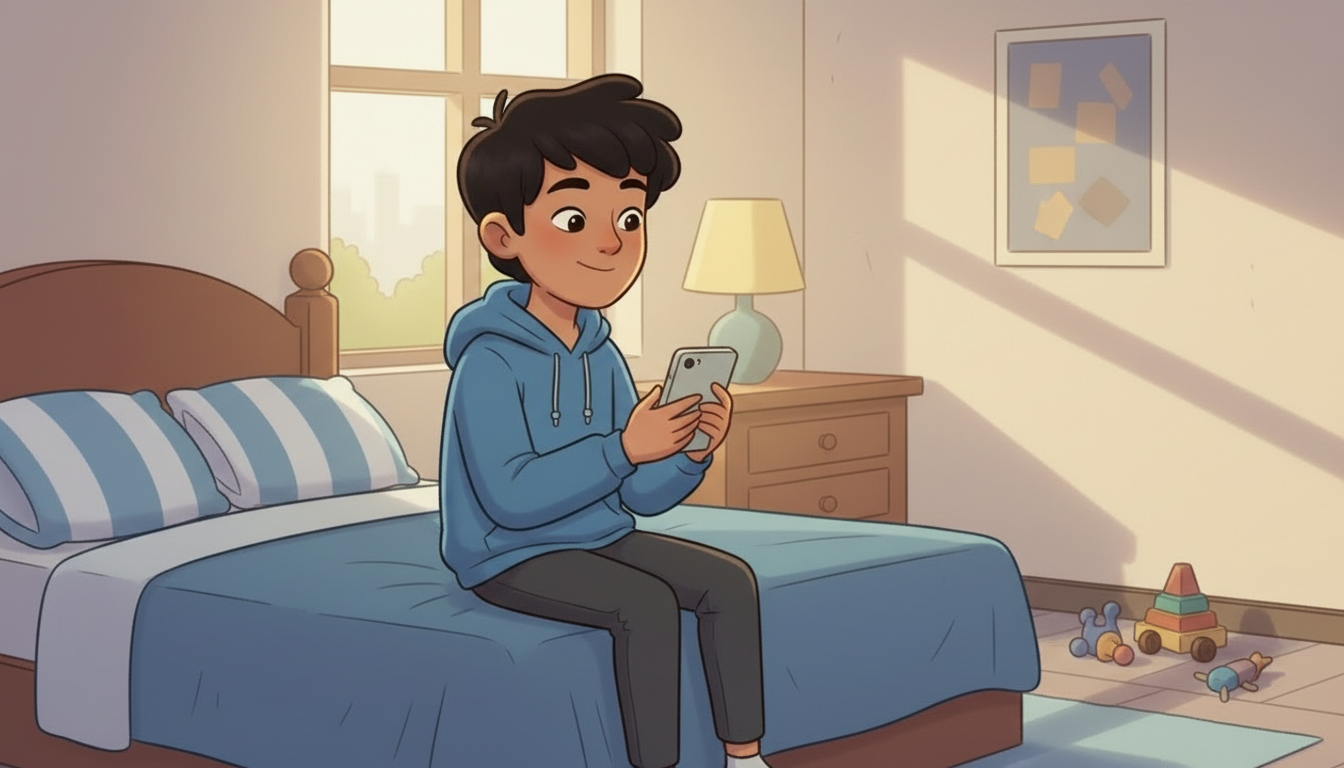
an eleven-year-old girl with dark curly hair in a football shirt and shorts, sitting on her bed with a phone
LOCKED – accepted by Spencer 28 Aug. She is her own character, not Brandon: a child watching their own course hero give away his soccer club would be watching somebody else make the mistake. Silent by design.
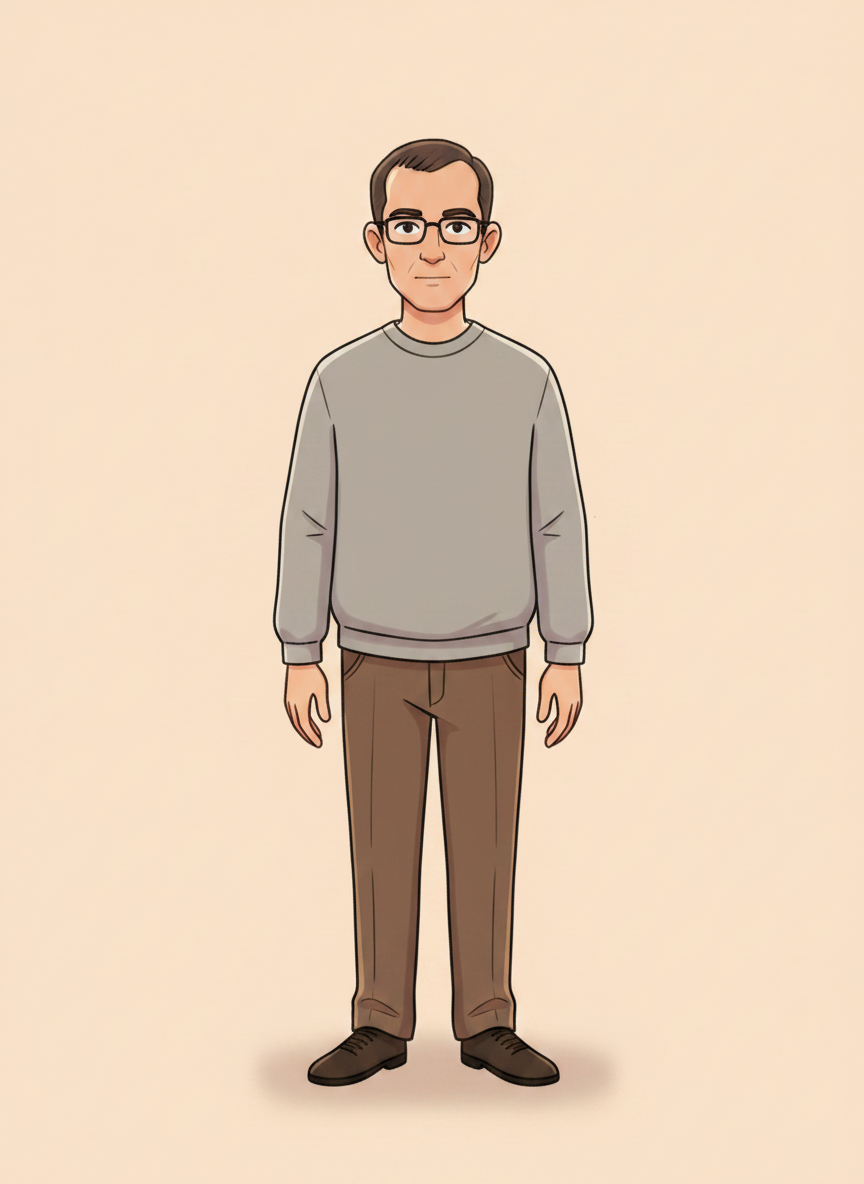
Home Alone 2locked
does not speak
Notes
the fake profile. Presents as a kid, is revealed as an adult stranger.
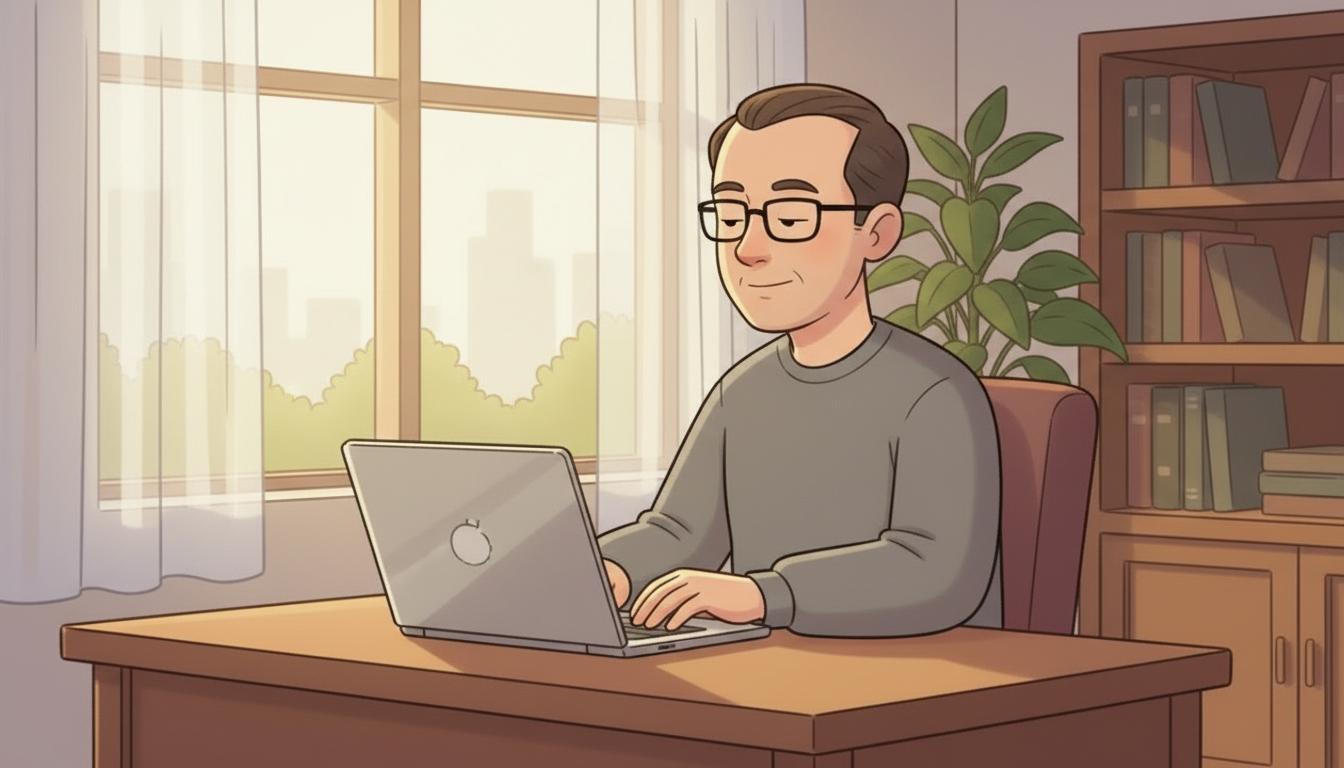
an ordinary adult man in his forties in a plain grey sweatshirt at an ordinary desk in ordinary daylight, typing, not looking at camera. NOT hooded, NOT in shadow, NOT lit from below, NOT menacing
LOCKED – accepted by Spencer 28 Aug. The reveal is an ordinary man at an ordinary desk in ordinary daylight, because the menace is that he looks like anybody. Never hooded, never in shadow, never voiced.
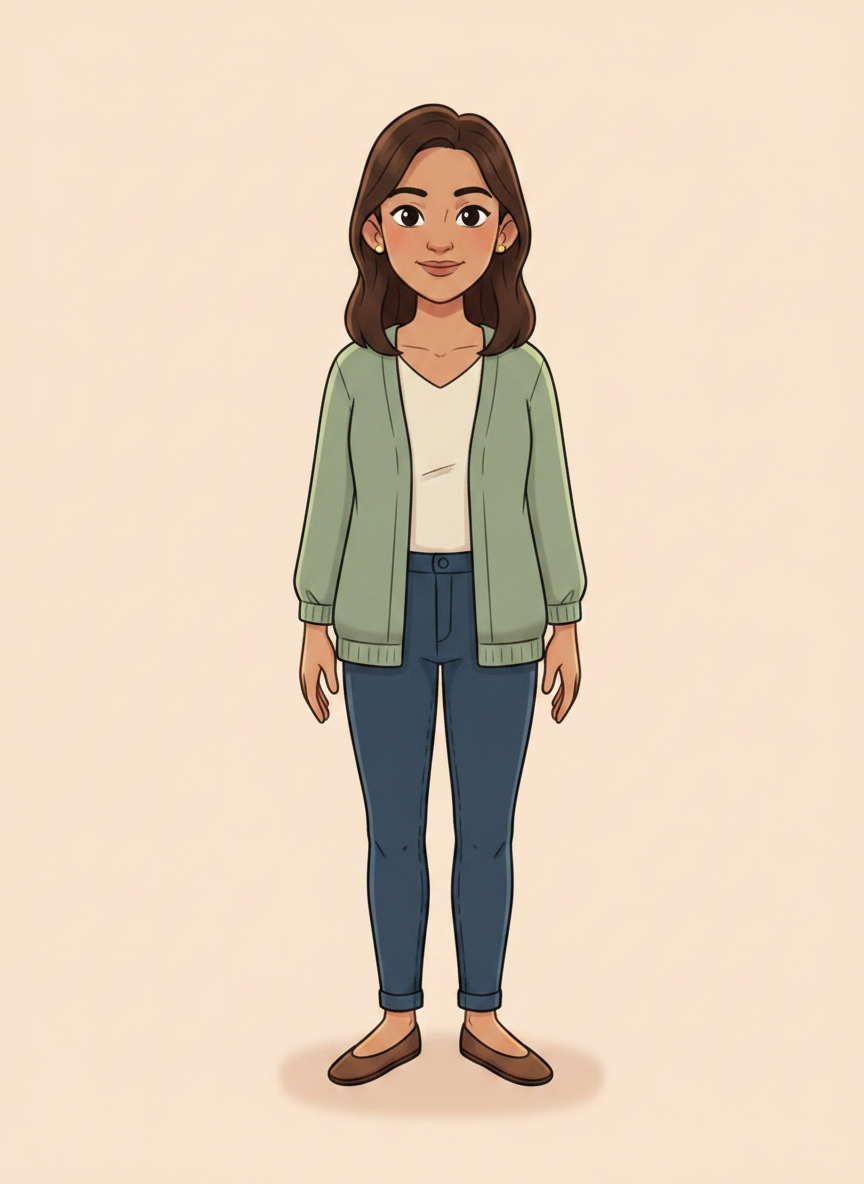
The trusted adultlocked
does not speak
Notes
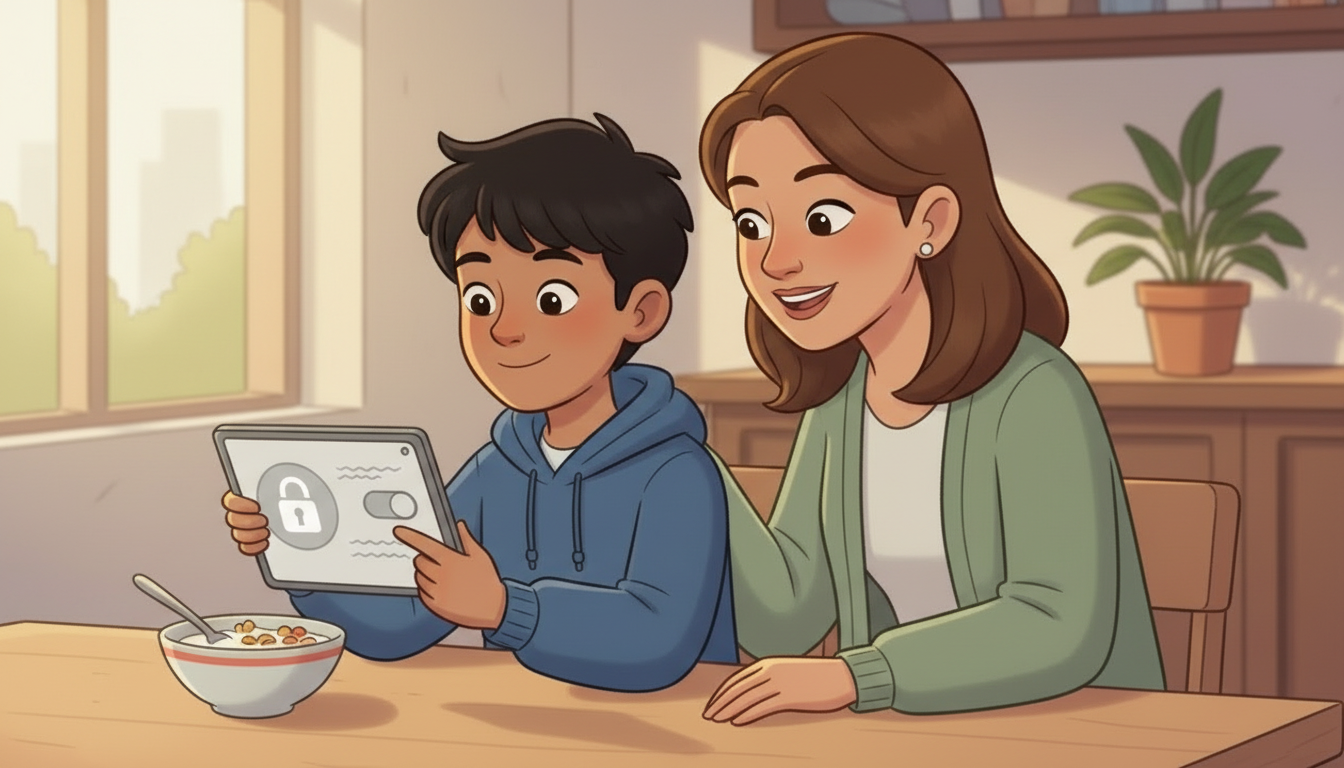
the parent a child turns to. Recurs in guidelines 2, 3, 7 and 9, in two of the AI beats, and she is the reason those sections resolve instead of just warning.
a warm adult woman in her late thirties in a soft green cardigan, mid-brown hair, always looking at the SCREEN rather than at the child, so it reads as help and not as trouble
LOCKED – accepted by Spencer 28 Aug. One parent across every beat she appears in, so the badge has one home in it. She always looks at the SCREEN, never at the child.
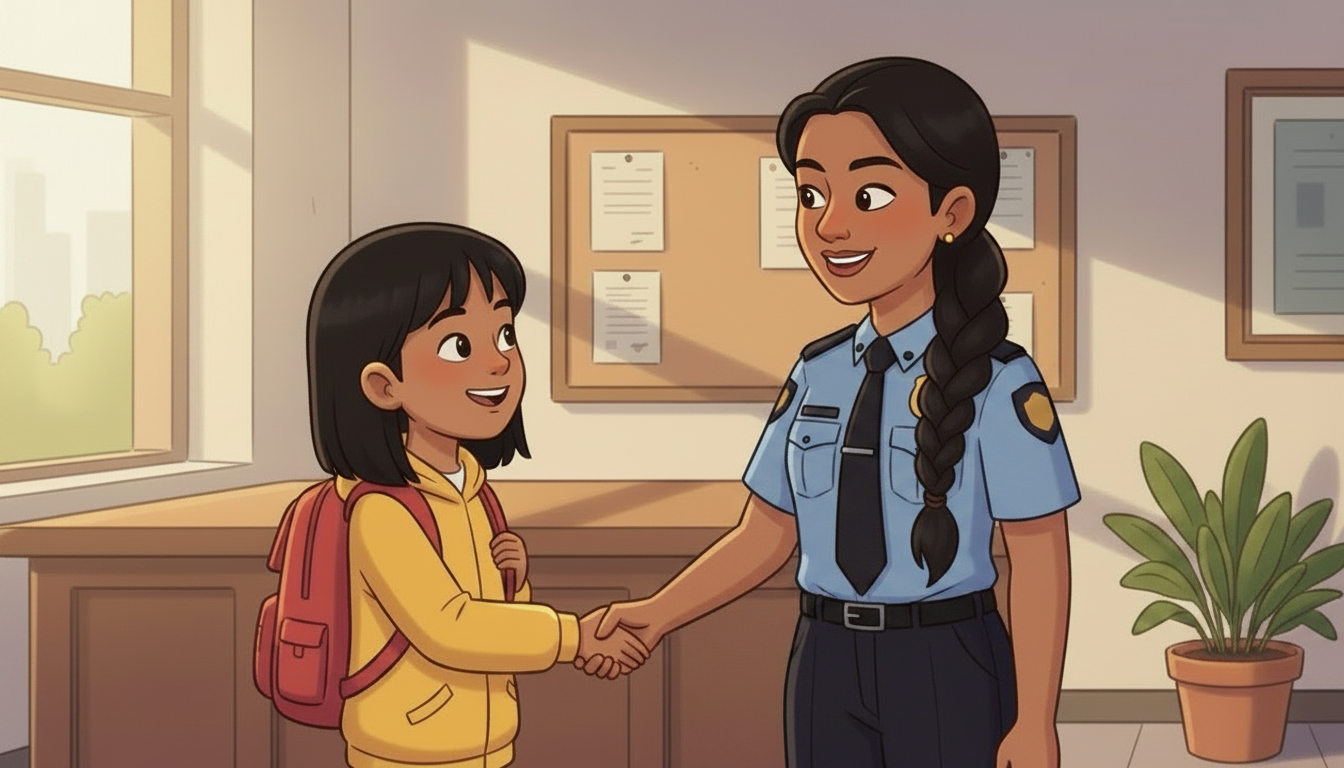
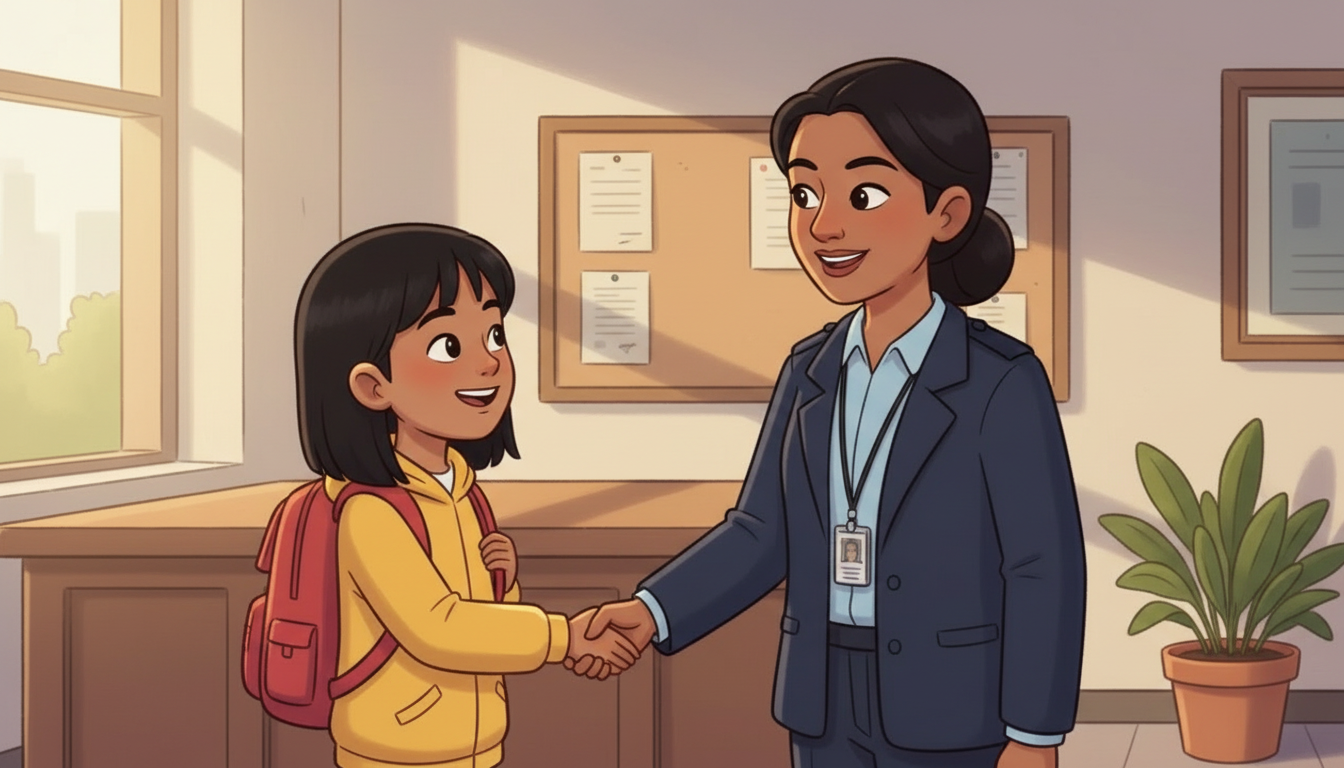
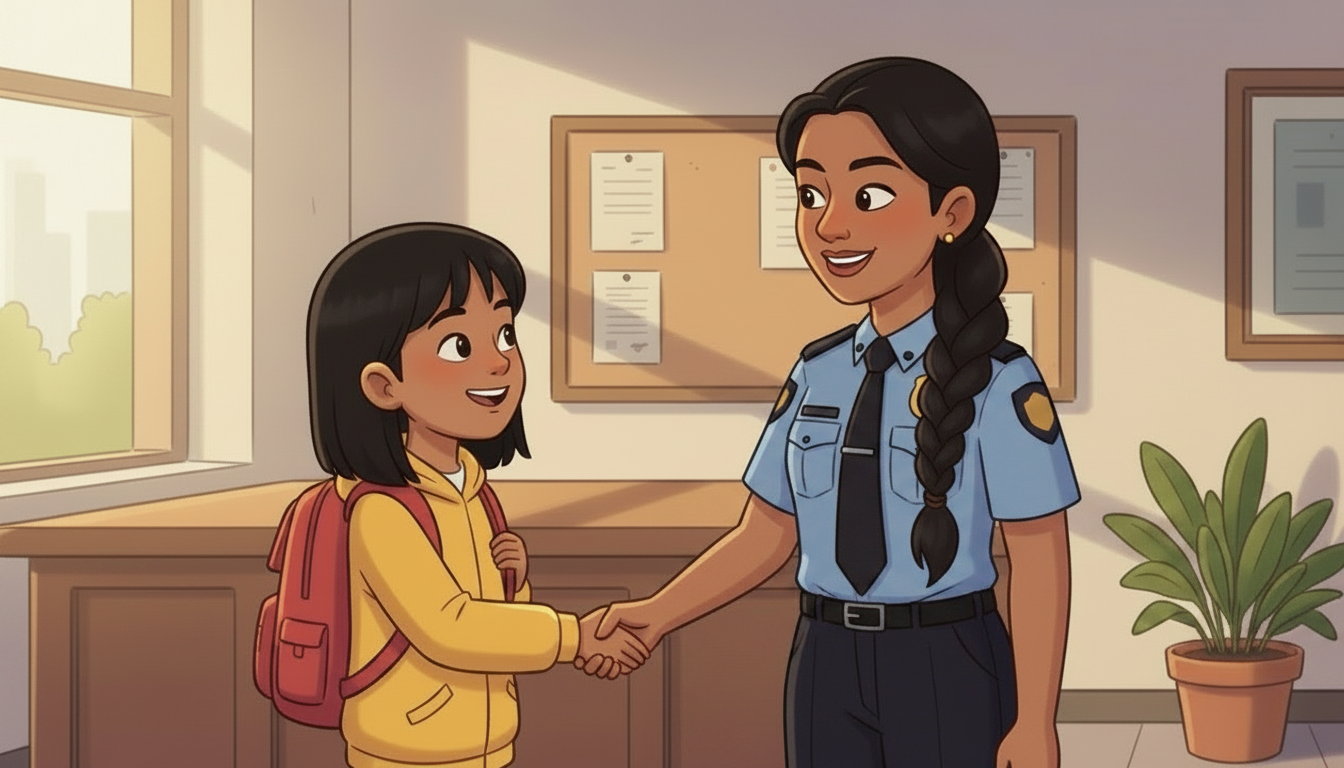
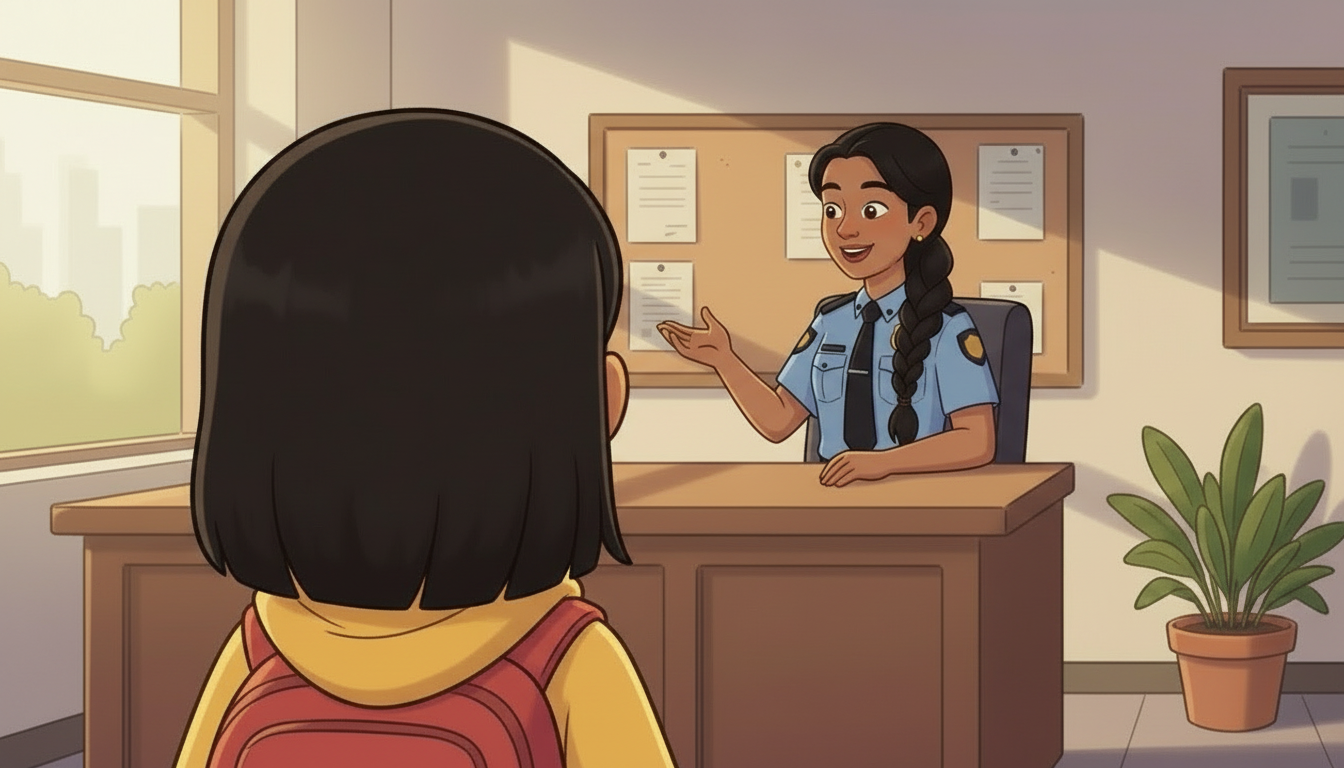
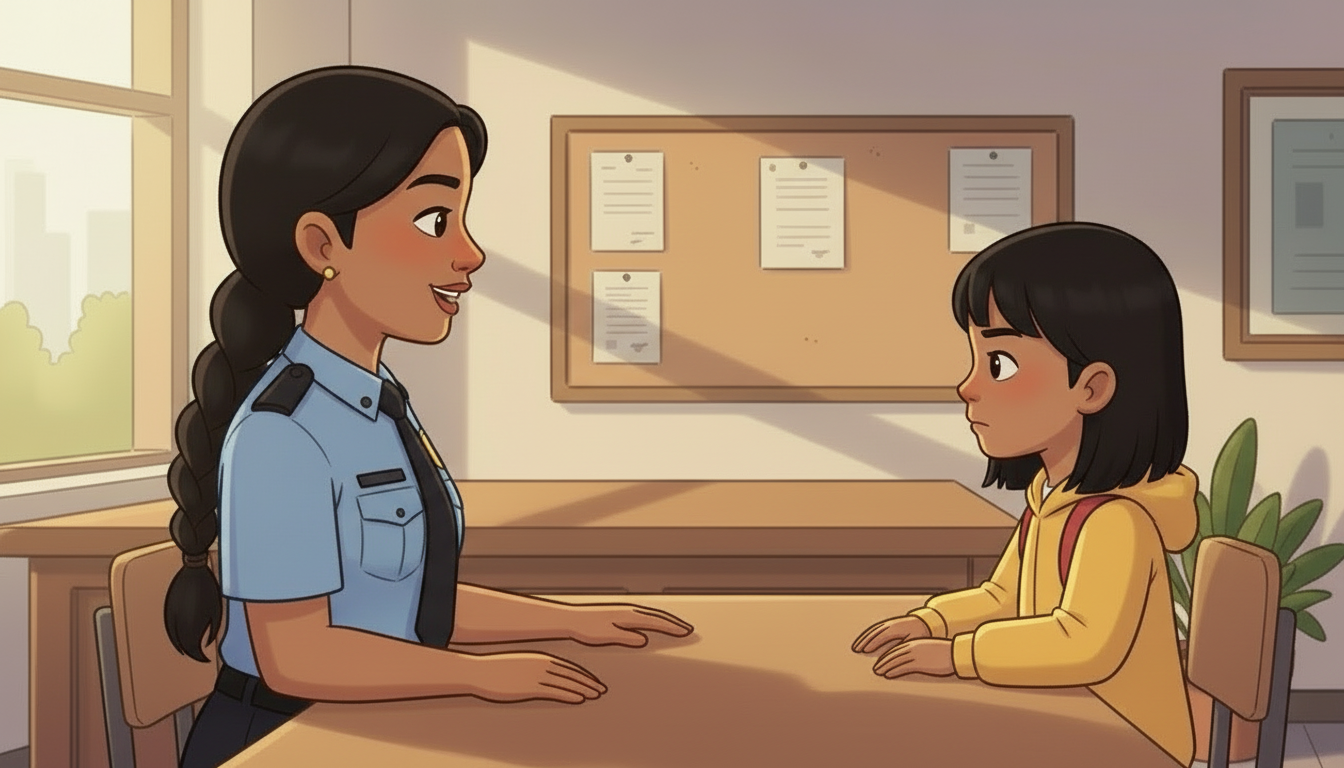
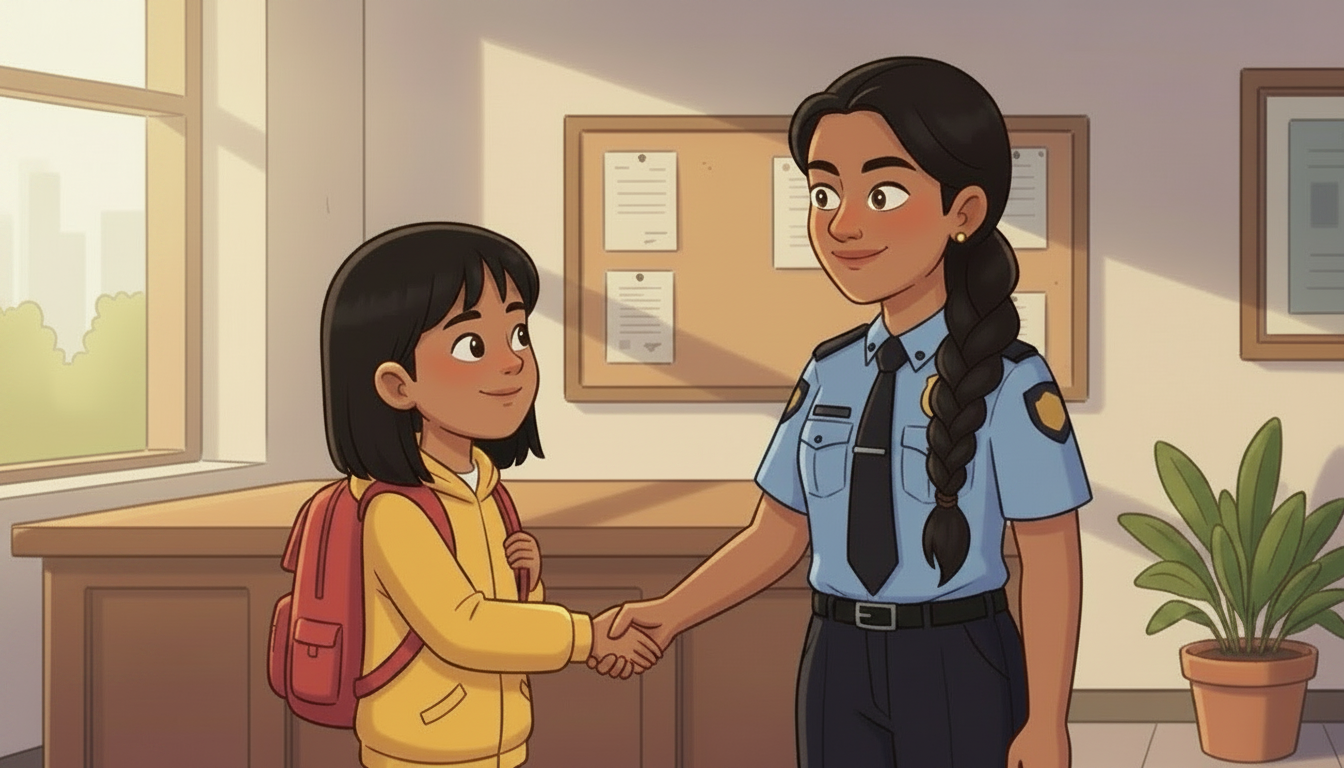
THE STYLE PLATE – one still of the police reception, generated against the Badge 1 plate, then registered as badge4. Nothing else can be made until this exists.
Production notes
Generated 28 Aug against the Badge 1 plate, as FLAG-B4-09 recommended. Two takes made; this one chosen because it shows more of what the badge will have to draw. Uploaded and registered in stylelock.json as badge4 – every generation from here passes it as the image reference.
Badge board intro – Online Safety is named and pulses
Production notes
Built in the player, not filmed – the badge board that names Online Safety.
built in the player
SHOT 014.1 · 1 of 1GRAPHIC8sno film – it is a screenMADE – AWAITING APPROVAL
The badge board appears and the child is invited to click Online Safety.
NARRATORDo you love using the internet? Me too! Let's learn how to use it safely. Click on the Online Safety Badge to begin.
ON SCREENClick the Online Safety badge to begin
How this shot is framed
The seven-badge board from VELMA'S ORIGINAL BADGE ARTWORK – the set on the certificate, not any of the redesigns. Street Smarts and People Safety are lit because they are earned; Online Safety pulses as it is named. The other four sit dimmed in their own colours, never grey.
Meeting the officer – arrival, handshake, do the police patrol the internet
Production notes
Film cut and on the live page – 48.2 seconds. Checked 28 Aug: the file returns 200.
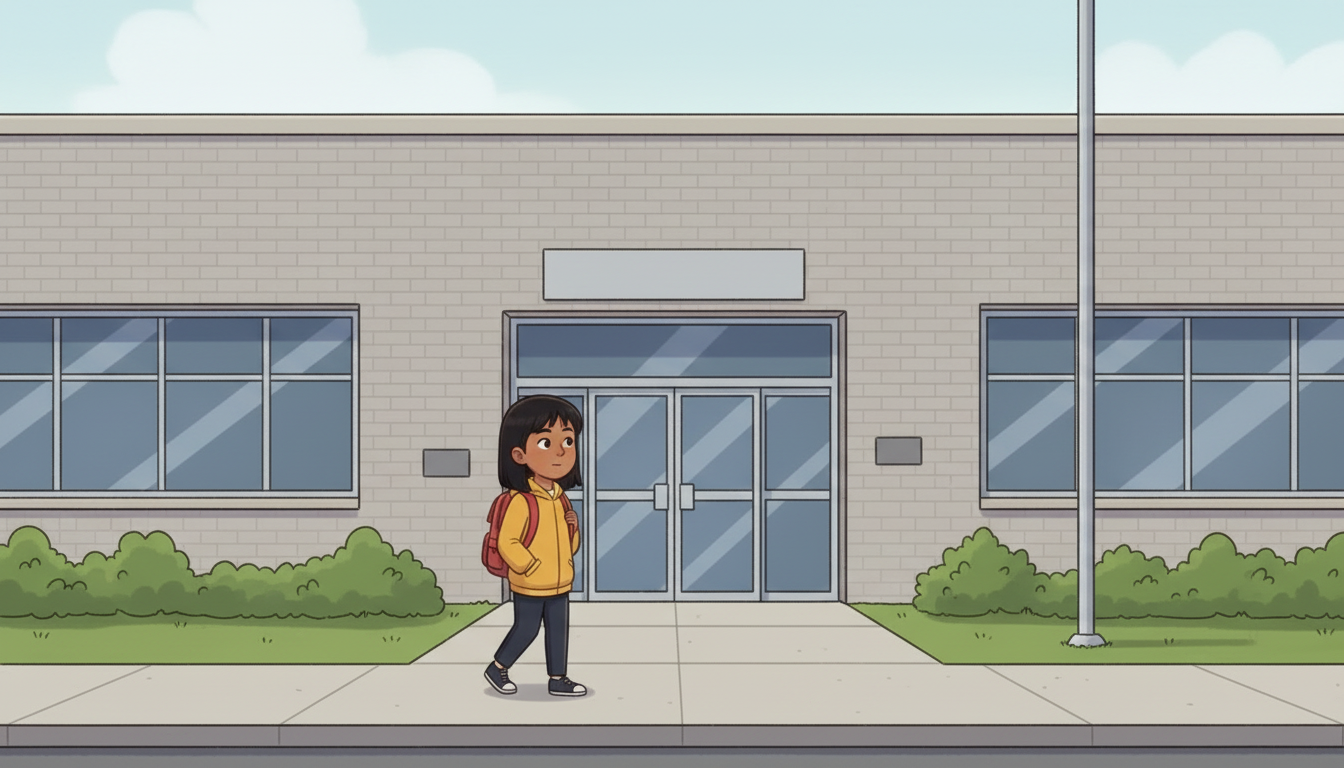
SHOT 024.2 · 1 of 4WIDE5sMADE – AWAITING APPROVAL
Charlotte walks up to the police station and goes in through the doors.
NARRATORThe internet is an amazing place to play, learn, connect and explore. With permission, you can enjoy being online safely by being aware of some of the dangers.
the voice for this shot
RESHOT so she goes through the door – the first take stopped at the handle and the next shot was already inside.
Checked and updated Fri 28 Aug 2026, 17:10 UTC — walked this pass – no speaking mouth in frame, nothing to sync
How this shot is framed
Establishing: the front of the Halton Regional Police building on an ordinary overcast day. Charlotte – EAST ASIAN, about twelve, backpack – walks up to the doors, PULLS ONE OPEN AND STEPS INSIDE, and the shot ends on her crossing the threshold. She has to go THROUGH the door: the next shot is already inside at reception, and without this she is never seen entering the building. Ordinary, municipal, not dramatic. No weapons, no cruiser lights.
SHOT 034.2 · 2 of 4MED6sMADE – AWAITING APPROVAL
She meets Detective Constable Harpreet Kaur – and this frame sets the badge's look.
NARRATORRemember, you are responsible for everything you post. Take charge of your online reputation and safety. We asked the Halton Regional Police in Ontario, Canada to help you with some safety tips.
the voice for this shot
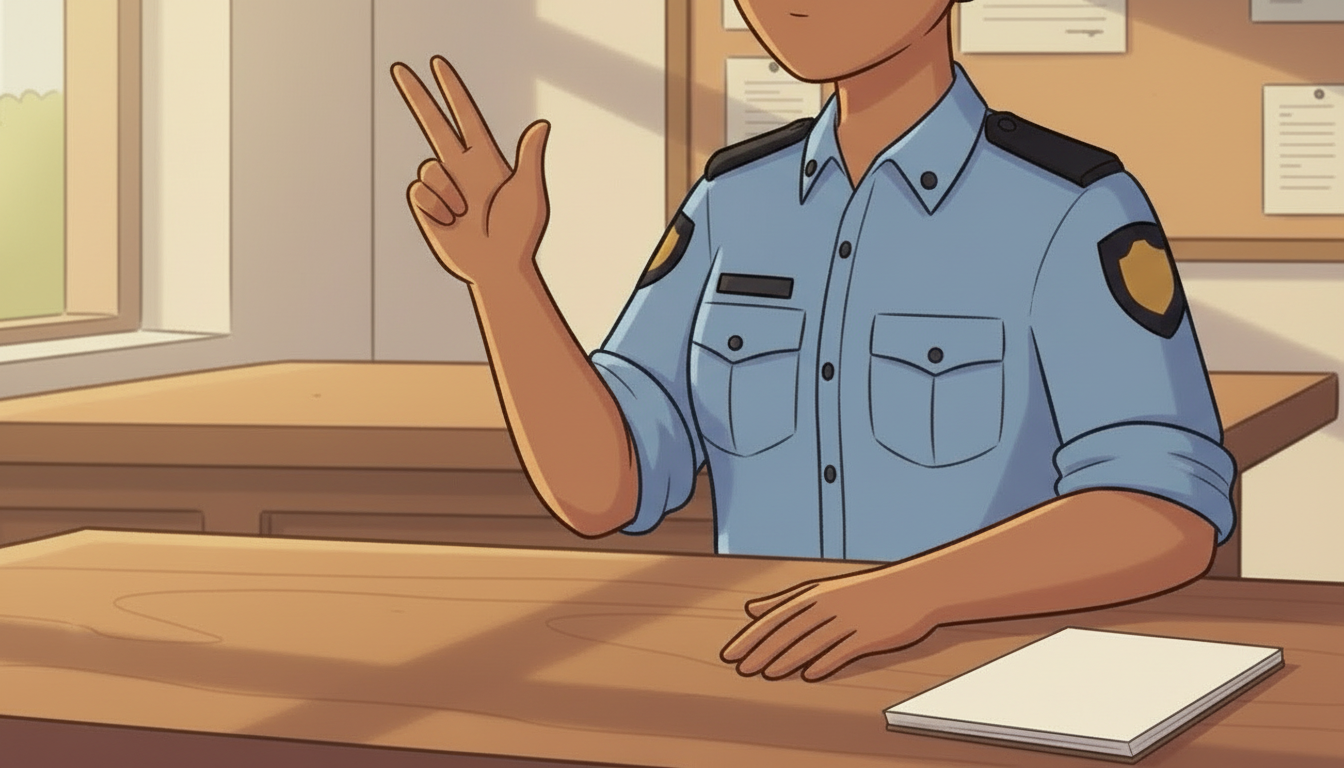
In uniform. The handshake. Narrated over, nobody speaks on camera.
Checked and updated Fri 28 Aug 2026, 17:10 UTC — walked this pass – no speaking mouth in frame, nothing to sync
How this shot is framed
Reception. Detective Constable Harpreet Kaur – INDIAN OR PAKISTANI SKIN TONE, plain-clothes with a lanyard, warm and unhurried – comes forward and shakes Charlotte's hand. THIS FRAME IS THE PROPOSED BADGE 4 STYLE PLATE: it carries two characters, an interior, uniform detail and the palette in one shot.
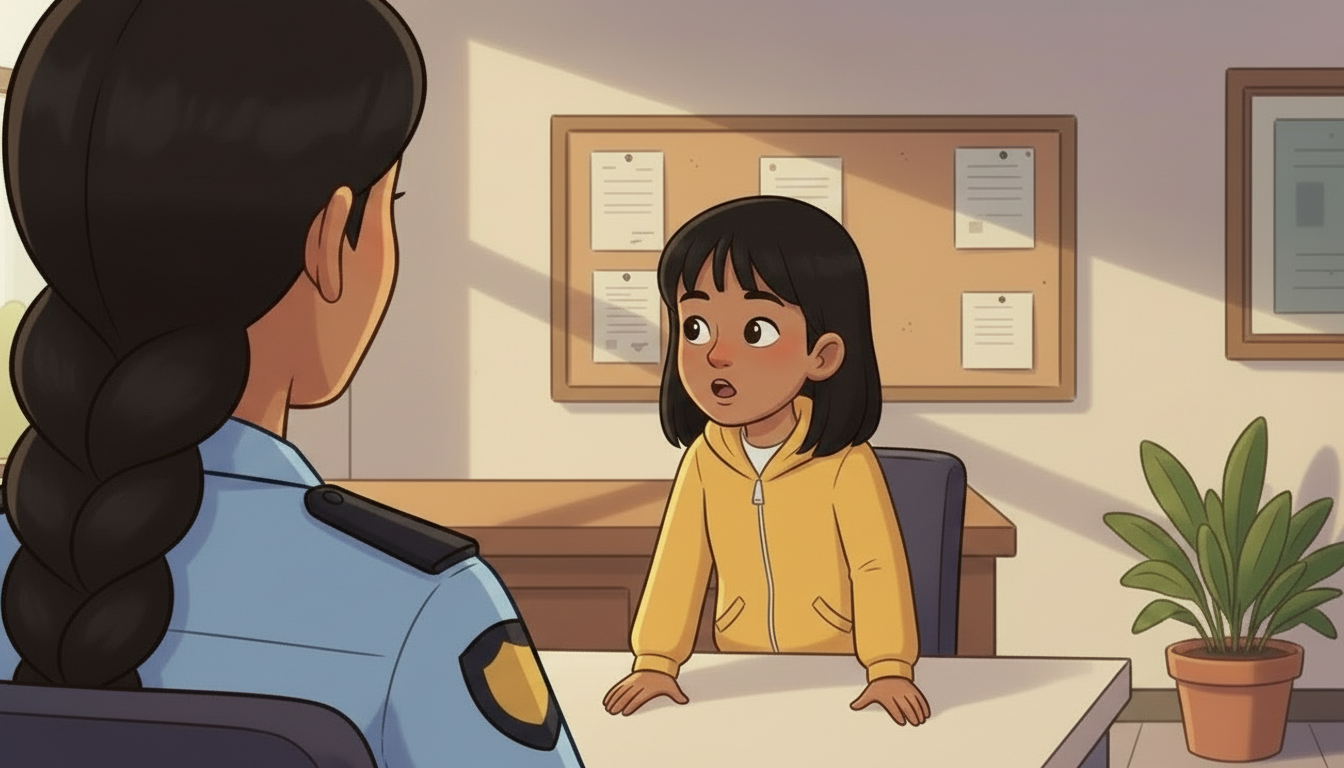
SHOT 044.2 · 3 of 4OTS6sMADE – AWAITING APPROVAL
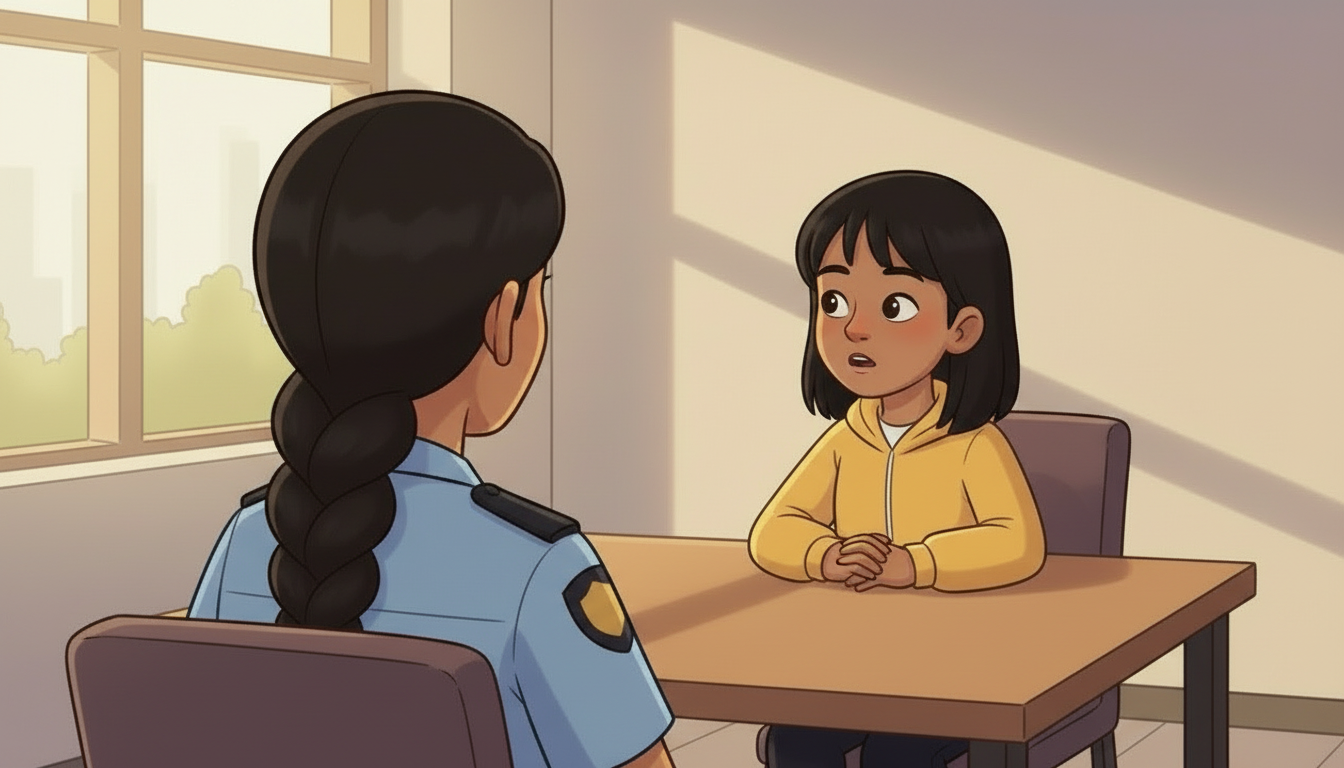
She asks the constable straight out: do the police patrol the internet?
CHARLOTTEHi, Detective Constable Kaur. Thank you for seeing me. Can I ask you something? Do the police patrol the internet?
the voice for this shot
In uniform. Charlotte asks the constable directly – rewritten so she is talking TO her, not introducing her to the viewer. LIP SYNC NOT MEASURED – the instrument that produced the old 0.45 was withdrawn on 28 Aug after it failed on footage of real filmed speech. This shot is on the wan2_7 audio-driven list.
Checked and updated Fri 28 Aug 2026, 17:10 UTC — watched by Spencer – accepted as is
How this shot is framed
Over KAUR'S shoulder onto Charlotte, sitting forward, asking her directly. The foreground shoulder must be unmistakably the constable – light blue uniform sleeve, the black plait, no ambiguity about who Charlotte is talking to. The two-shot geometry is set here and every later cut in 4.2 stays on this axis.
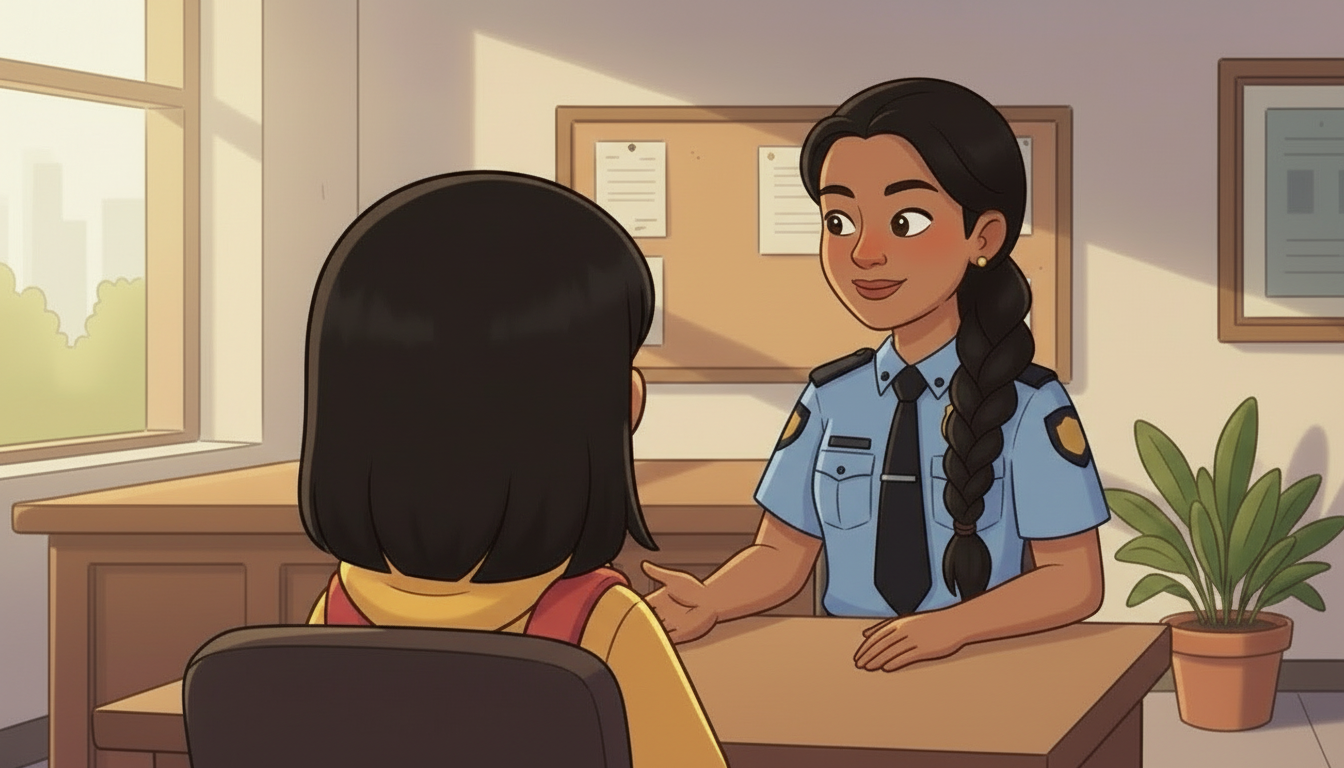
SHOT 054.2 · 4 of 4MED14sMADE – AWAITING APPROVAL
She answers her: yes, and she goes online as a child herself to find them.
CONSTABLE KAURWe do, yes. Part of my job is to go online undercover. I go on the websites we know these people use, and I pose as a child. Doing that, we can often work out who they really are, and lay charges against them.
the voice for this shot
REMADE 28 Aug, native single-pass on seedance_2_5: the dialogue is in the prompt in double quotes and Kaur's recording is named [Audio1] as the voice, with generate_audio on, so the mouth and the voice come out of ONE generation and cannot drift apart. Transcribes at a 1.000 word match against the panel line. Every earlier take was silent picture with a voice laid on afterwards, which is why the lips formed a paraphrase.
Checked and updated Fri 28 Aug 2026, 17:10 UTC — remade and verified against the script
How this shot is framed
Reverse of shot 4: over CHARLOTTE'S shoulder onto the constable, answering her directly. Her eyeline goes to the child sitting opposite, not past camera. She is describing undercover work to a ten-year-old, so the frame stays on her face and shows nothing of what she describes – no dark rooms, no screens full of chat windows.
Strangers online – do not friend them, how to leave a conversation, ask an adult
Production notes
Film cut and on the live page – 29.2 seconds. Checked 28 Aug: the file returns 200.
SHOT 064.2 · 1 of 3MED13sMADE – AWAITING APPROVAL
Rule one: do not friend or talk to people you do not know in real life.
CONSTABLE KAURDon't talk to people online that you don't know in real life. Don't add them as friends, and don't talk to them, unless you really know who they are.
the voice for this shot
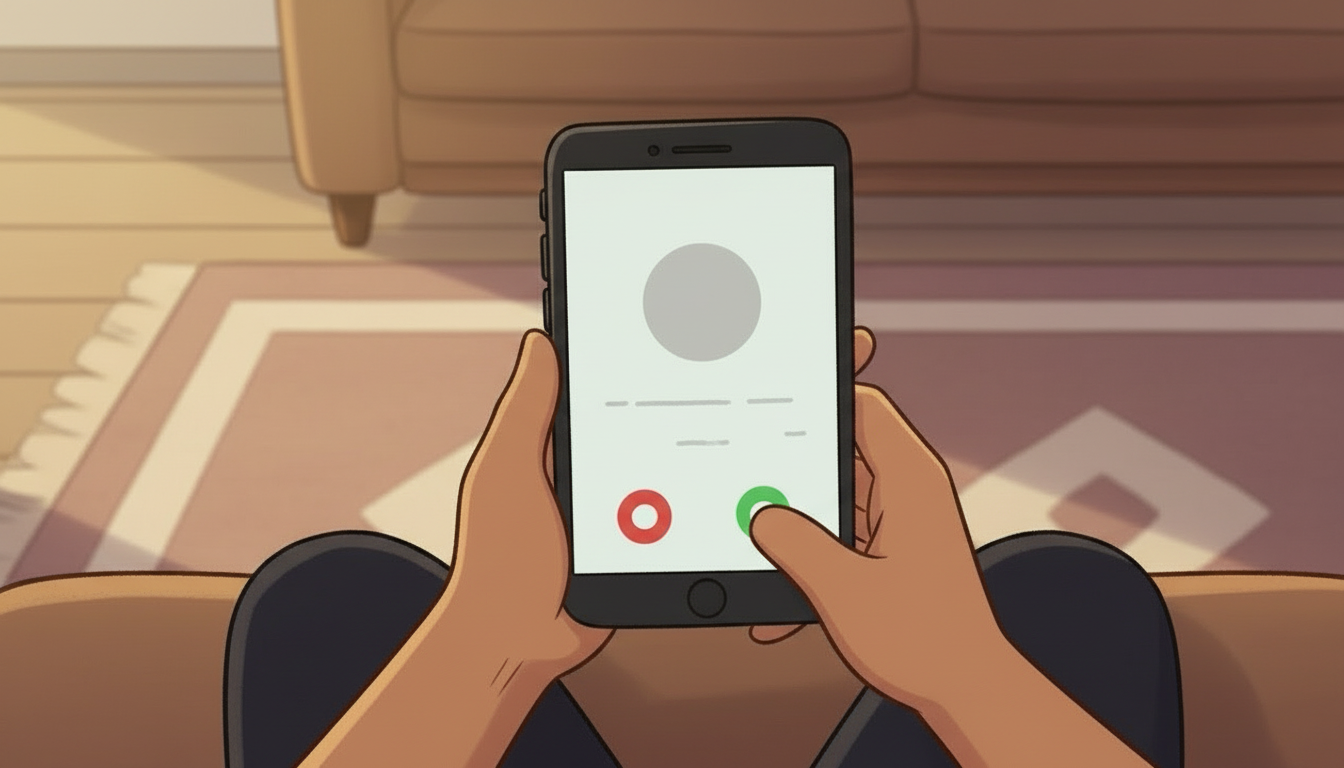
RESTAGED as a cutaway – a child's hands declining a friend request on a phone. No face in shot at all.
Checked and updated Fri 28 Aug 2026, 17:10 UTC — walked this pass – no speaking mouth in frame, nothing to sync
How this shot is framed
FILM 2, first idea, cleaned of its three repeats. Cutaway on the last clause to a child's hand declining a friend request on a phone – the ACTION she is naming, not a stranger's face.
SHOT 074.2 · 2 of 3MED14sMADE – AWAITING APPROVAL
The way out of a bad conversation – make an excuse, stop, delete.
CONSTABLE KAURIf you're chatting to somebody online and it starts to make you feel uncomfortable, make an excuse that you have to go somewhere, stop the conversation right there, and delete the person after that.
the voice for this shot
REMADE 28 Aug the same way as shot 5 – native single-pass, dialogue quoted in the prompt, Kaur's recording as [Audio1]. Transcribes at a 1.000 word match. Also reframed to a medium on her face, still seated behind the desk to match shot 5, both hands on the desk.
Checked and updated Fri 28 Aug 2026, 17:10 UTC — remade and verified against the script
How this shot is framed
FILM 2, second idea. This is the one beat in the badge that gives a child a SCRIPT to leave with, so it plays uninterrupted on her face.
SHOT 084.2 · 3 of 3MED13sMADE – AWAITING APPROVAL
And if you are not sure it is wrong, ask an adult rather than deciding alone.
CONSTABLE KAURIf you aren't sure whether what somebody is doing is wrong, ask an adult. Ask your mum or dad, or another adult you trust, and they can help you decide.
the voice for this shot
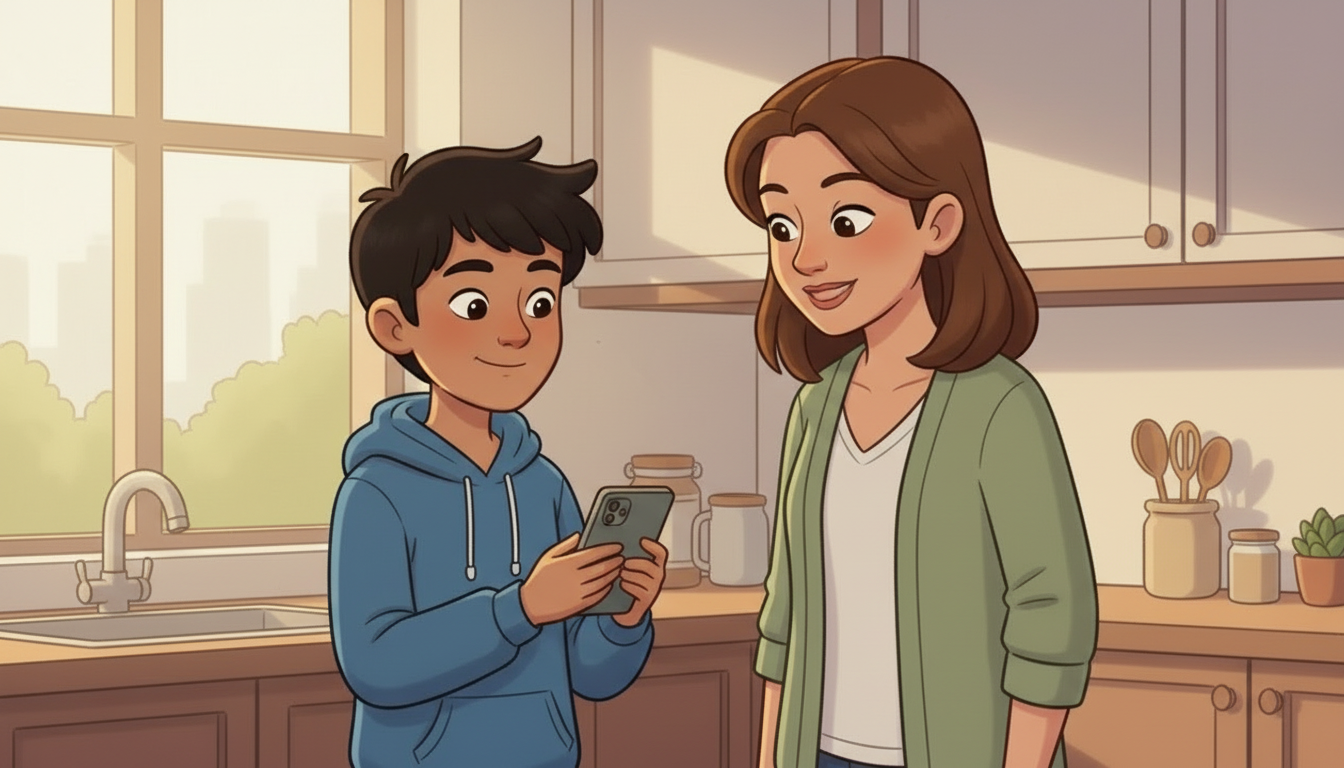
RE-VOICED to JOSH and RE-RENDERED 28 Aug. Two separate things were wrong: Kaur's voice was playing over a scene she is not in, and the mother's mouth was opening and closing so she read as the one talking. Josh narrates now, both mouths stay shut, and she looks at the PHONE rather than at the boy – which is what the beat asks for: help, not trouble.
Checked and updated Fri 28 Aug 2026, 18:05 UTC — re-rendered silent and re-voiced – verified mouths closed
How this shot is framed
FILM 2, third idea. Cutaway to a child at a kitchen table showing a phone to a parent – the adult is looking at the phone, not at the child, so it reads as help rather than trouble.
Protecting yourself – never send personal pictures, and what a background gives away
Production notes
Film cut and on the live page – 29.2 seconds. Checked 28 Aug: the file returns 200.
SHOT 094.2 · 1 of 3OTS6sAPPROVED
Charlotte admits she is a little scared, and asks how to protect herself.
CHARLOTTEI want to be active on social media, but now I'm a little scared. What are some of the things I could do to protect myself?
the voice for this shot
Accepted by Spencer, 28 Aug, on hearing it. It measures 5.10 words per voiced second against the house band of 2.69-4.10 – but that band was measured on Josh, the adult narrator. A twelve-year-old asking an eager question is not the same instrument. Lip sync measures 0.40 – the best of the talking shots.
Checked and updated Fri 28 Aug 2026, 17:10 UTC — watched by Spencer – accepted as is
How this shot is framed
Back to Charlotte. She is not frightened – she is practical, and the question is hers. FILM 3 opens on her.
SHOT 104.2 · 2 of 3MED12sMADE – AWAITING APPROVAL
Never send personal pictures – to anyone, known or not.
CONSTABLE KAURNever send personal pictures of yourself to people online, whether you know them or not. Make it a personal rule never to do it, and it will save you a lot of trouble.
the voice for this shot
REMADE 28 Aug. Spencer: she was speaking but not talking – it looked like she was thinking the line rather than saying it to the girl. New angle swings round so her face is turned to Charlotte AND readable to us, and she genuinely delivers the line as conversation, made on the one-pass method (dialogue quoted in the prompt, her sample as [Audio1], generate_audio on). Transcribes at a 1.000 word match.
Checked and updated Fri 28 Aug 2026, 17:10 UTC — remade and verified against the script
How this shot is framed
FILM 3, first idea. HER STRONGEST LINE AND THE ONE MOST IN NEED OF CARE: the original says 'never send naked pictures'. For a ten-to-twelve audience this is delivered as a flat personal rule, on her face, with no illustration of any kind.
SHOT 114.2 · 3 of 3INSERT13sMADE – AWAITING APPROVAL
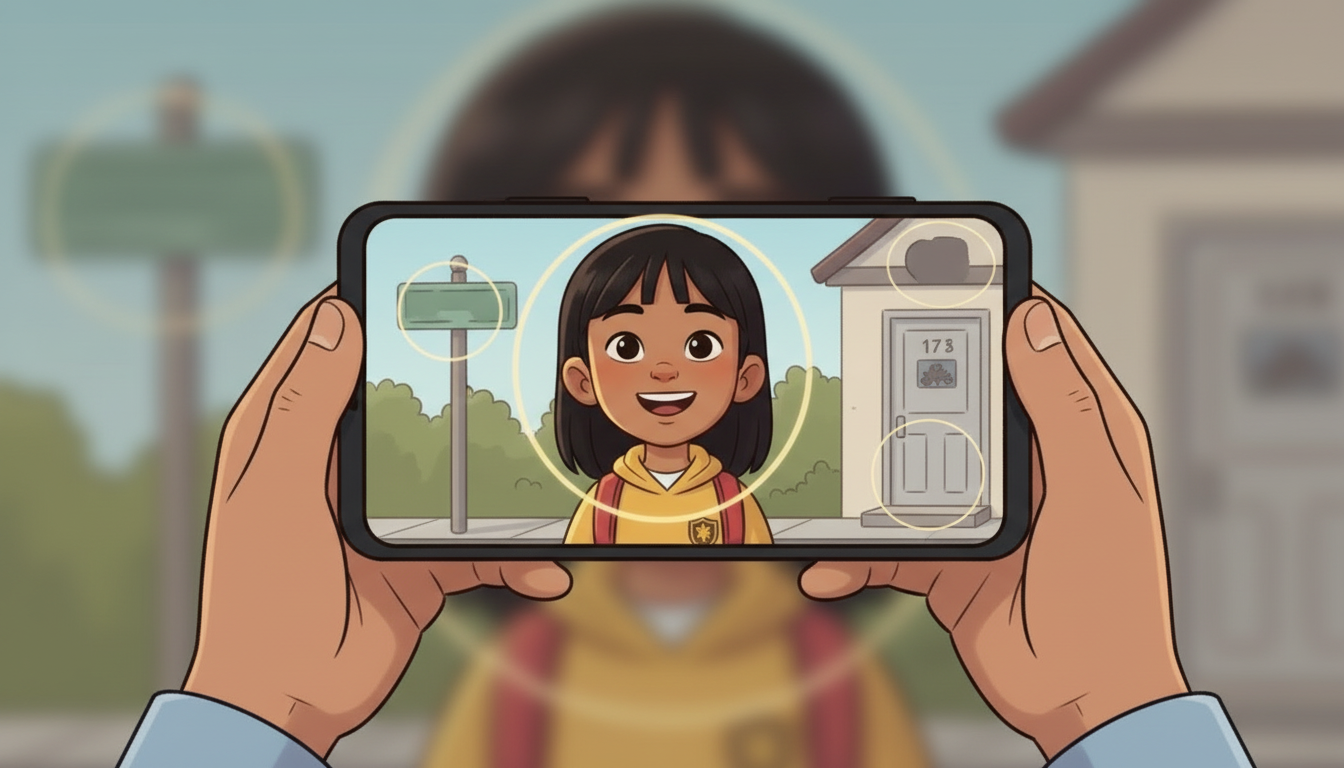
A harmless selfie gives away a school, a street and a house number.
CONSTABLE KAURIf you take a picture wearing a sweatshirt with your school's logo on it, or with a street sign behind you, those are personal identifiers. They give away a little about you that you might not want everybody to know.
the voice for this shot
The selfie insert – the three identifying details light up one at a time. No face in shot, so nothing to lip sync.
Checked and updated Fri 28 Aug 2026, 17:10 UTC — walked this pass – no speaking mouth in frame, nothing to sync
How this shot is framed
FILM 3, second idea, and the only place in 4.2 where we SHOW instead of tell. A phone screen holds an ordinary selfie; three details light up one at a time – a school logo on the sweatshirt, a street sign behind, a house number. Nothing sinister happens; the point is only that they are readable.
It is there forever – and it is still there at eighteen
Production notes
Film cut and on the live page – 21.1 seconds. Checked 28 Aug: the file returns 200.
SHOT 124.2 · 1 of 2MED12sMADE – AWAITING APPROVAL
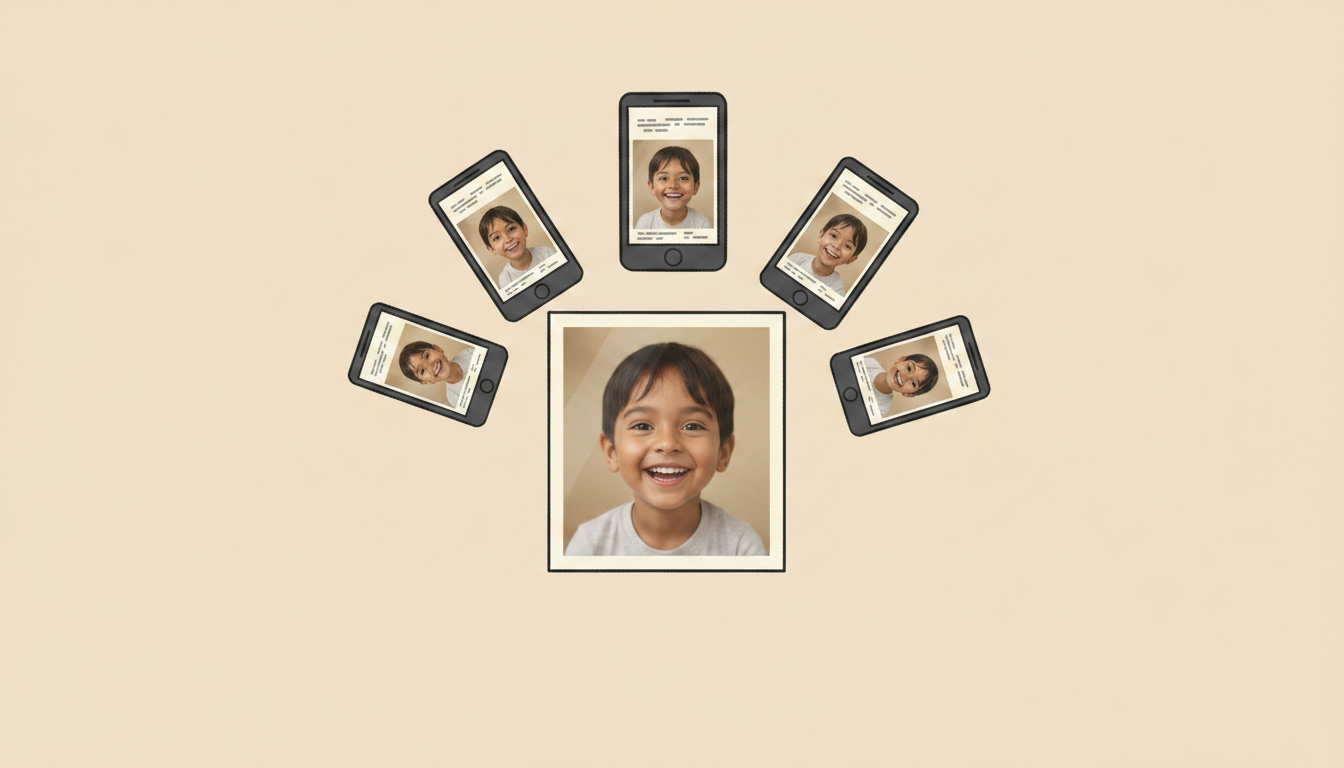
Once it is shared it is there forever, and even the police cannot take it back.
CONSTABLE KAUROnce you take a picture and share it on the internet, it is there forever. People ask us to take a picture down, and most of the time we cannot.
the voice for this shot
RESTAGED as a graphic – one photograph spreading across screens. No people in it. This is the line about it being there forever, and the picture now shows exactly that.
Checked and updated Fri 28 Aug 2026, 17:10 UTC — walked this pass – no speaking mouth in frame, nothing to sync
How this shot is framed
FILM 4, cleaned from three repeats of 'it's there forever' down to one. Her face, no graphic – the sentence does not need help.
SHOT 134.2 · 2 of 2MED13sMADE – AWAITING APPROVAL
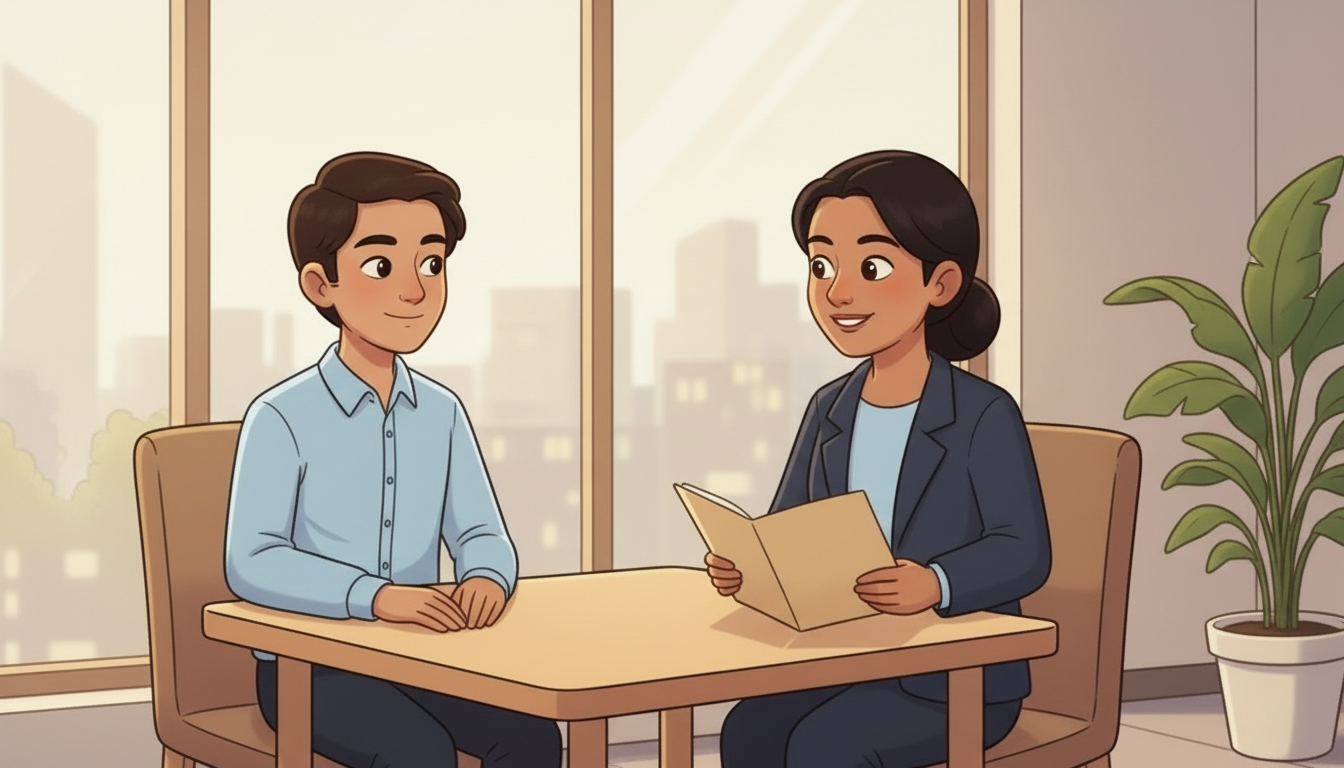
A post at fourteen is still there at the job interview at eighteen.
CONSTABLE KAURYou could be going for a job at eighteen, and something you posted at fourteen could still be out there. If it's something you wouldn't want your parents or your grandparents to see, don't put it on there.
the voice for this shot
RE-VOICED 28 Aug to JOSH, same reason as shot 8: the picture cuts away to a young adult in an interview chair, so the line belongs to the narrator, not to Kaur. Picture untouched. Transcribes at a 0.947 word match.
Checked and updated Fri 28 Aug 2026, 17:10 UTC — remade and verified against the script
How this shot is framed
FILM 4, the job-interview beat. A brief cut to a young adult in an interview chair – late teens, ordinary, NOT distressed – then straight back to Kaur. Two seconds at most: it is a time jump, not a consequence scene.
What to do – the four steps, ending on DO NOT DELETE
Production notes
Film cut and on the live page – 22.1 seconds. Checked 28 Aug: the file returns 200.
SHOT 144.2 · 1 of 2MED14sMADE – AWAITING APPROVAL
The four steps if it happens – and the fourth is DO NOT DELETE.
CONSTABLE KAURFirst, tell an adult. Second, you can tell the police. Third, stop all communication with that person. And fourth – do not delete it. If you're going to the police, we can use it as evidence.
ON SCREEN1. Tell an adult 2. Tell the police 3. Stop communicating 4. DO NOT DELETE – it is evidence
the voice for this shot
RESTAGED as a tight insert on her hands counting the four steps. Head out of frame entirely.
Checked and updated Fri 28 Aug 2026, 17:10 UTC — walked this pass – no speaking mouth in frame, nothing to sync
How this shot is framed
FILM 5, the four steps, and the LAST is the one nobody expects. As she names each one it appears beside her as player-drawn text – never burned into the picture.
SHOT 154.2 · 2 of 2MED6sMADE – AWAITING APPROVAL
Charlotte thanks her, and the child is handed to the guidelines.
NARRATORClick on the online guidelines to learn how to stay safe.
ON SCREENOpen the online safety guidelines
the voice for this shot
In uniform. She thanks the constable and the child is handed to the guidelines.
Checked and updated Fri 28 Aug 2026, 17:10 UTC — walked this pass – no speaking mouth in frame, nothing to sync
How this shot is framed
Two-shot. Charlotte thanks her; they stand. The badge's authority beat is over and the child is handed to the guidelines.
The nine-guideline hub screen, tiles and progress counter, list fallback below 700px
Production notes
Built in the player, not filmed – the nine-guideline board. Live on the page.
built in the player
SHOT 164.3 · 1 of 1UI6sno film – it is a screenMADE – AWAITING APPROVAL
Nine guidelines appear as tiles. None is optional.
NARRATORHere are nine ways to stay safe online. Click every one of them to get ready for the Online Safety Badge Challenge.
ON SCREEN0 of 9 explored
How this shot is framed
THE GUIDELINES HUB. Nine tiles on one screen, each with an icon and its headline only. A tile turns from outline to filled once it has been opened, and a counter tracks progress. Below 700px the tiles become a stacked list so every tap target stays at least 44px – the same measured fallback as the Badge 1 map.
Film cut and on the live page – 23.0 seconds. Checked 28 Aug: the file returns 200.
SHOT 174.3.G1 · 1 of 1MED20sMADE – AWAITING APPROVAL
Guideline 1: an unkind message gets stopped before it is sent.
NARRATORBE POSITIVE, RESPECTFUL AND KIND! Your reputation depends on it. Do not post, share or like anything that can hurt you, your reputation or anyone else. Do not post things that you would not show your parent or teachers. Always be kind and report online bullying to a trusted adult.
ON SCREENBE POSITIVE, RESPECTFUL AND KIND!
the voice for this shot
Guideline 1 – an unkind message gets stopped before it is sent.
Checked and updated Fri 28 Aug 2026, 17:10 UTC — frame walked this pass – Josh narrates, nobody speaks to camera
How this shot is framed
Two children messaging, and one of them stops before sending something unkind. The unsent message is visible and ordinary – no cruelty is depicted.
Film cut and on the live page – 25.0 seconds. Checked 28 Aug: the file returns 200.
SHOT 184.3.G2 · 1 of 1MED20sMADE – AWAITING APPROVAL
Guideline 2: the privacy toggle goes across, with a parent beside them.
NARRATORKEEP IT PRIVATE! SET YOUR PRIVACY SETTINGS. Don't share any personal information like your passwords, user ID, age, address, school, photos of your home. Always get permission before sending photographs of yourself, your family or friends. Get an adult to help you put your social media settings on private.
ON SCREENKEEP IT PRIVATE!
the voice for this shot
Guideline 2 – the privacy toggle goes across, with a parent beside him.
Checked and updated Fri 28 Aug 2026, 17:10 UTC — frame walked this pass – Josh narrates, nobody speaks to camera
How this shot is framed
A settings screen with a padlock; a child's hand moves the privacy toggle to private while a parent watches from beside them.
Film cut and on the live page – 14.0 seconds. Checked 28 Aug: the file returns 200.
SHOT 194.3.G3 · 1 of 1MED15sMADE – AWAITING APPROVAL
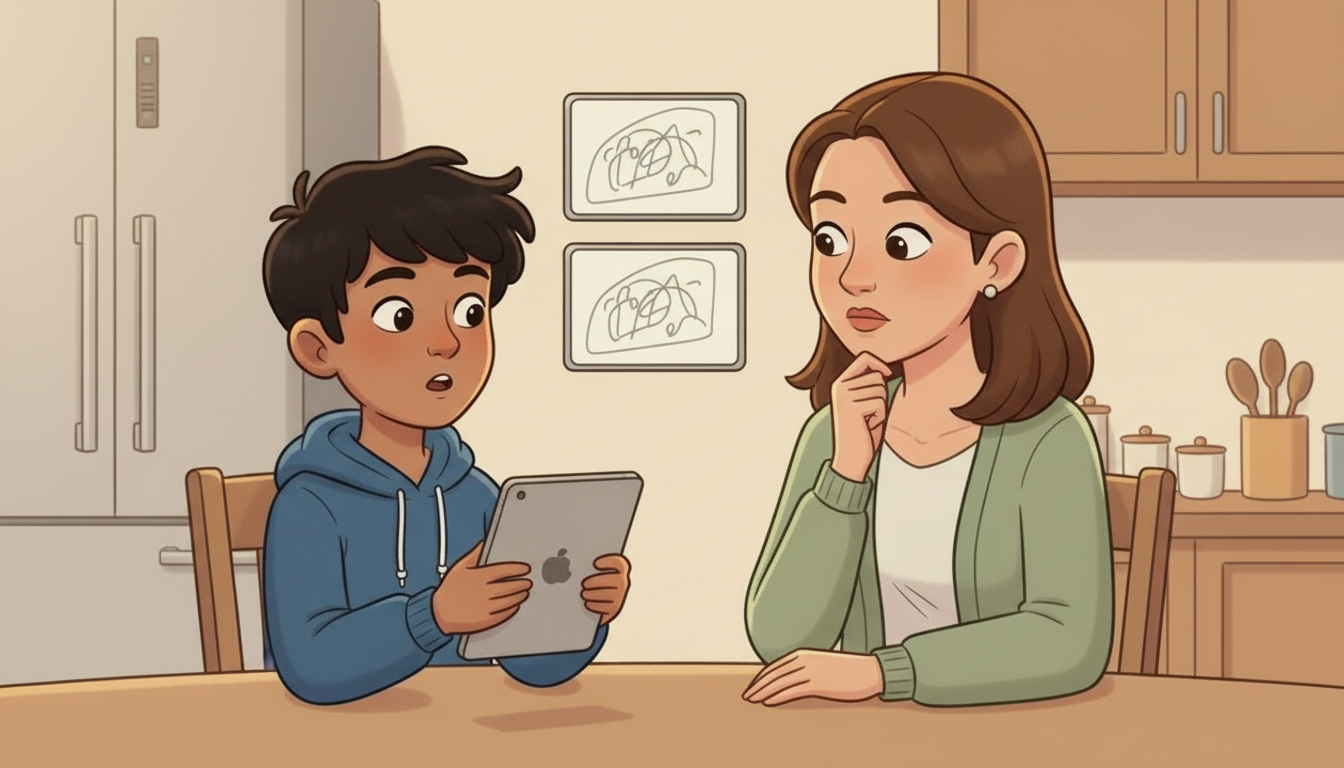
Guideline 3: the phone is turned toward a parent, and that is the whole move.
NARRATORTELL A TRUSTED ADULT! ALWAYS KEEP YOUR PARENT OR GUARDIAN INFORMED about what you are doing online! If you find something inappropriate online or if you think someone is being bullied, tell someone.
ON SCREENTELL A TRUSTED ADULT!
the voice for this shot
Guideline 3 – the phone is turned toward a parent, and that is the whole move.
Checked and updated Fri 28 Aug 2026, 17:10 UTC — frame walked this pass – Josh narrates, nobody speaks to camera
How this shot is framed
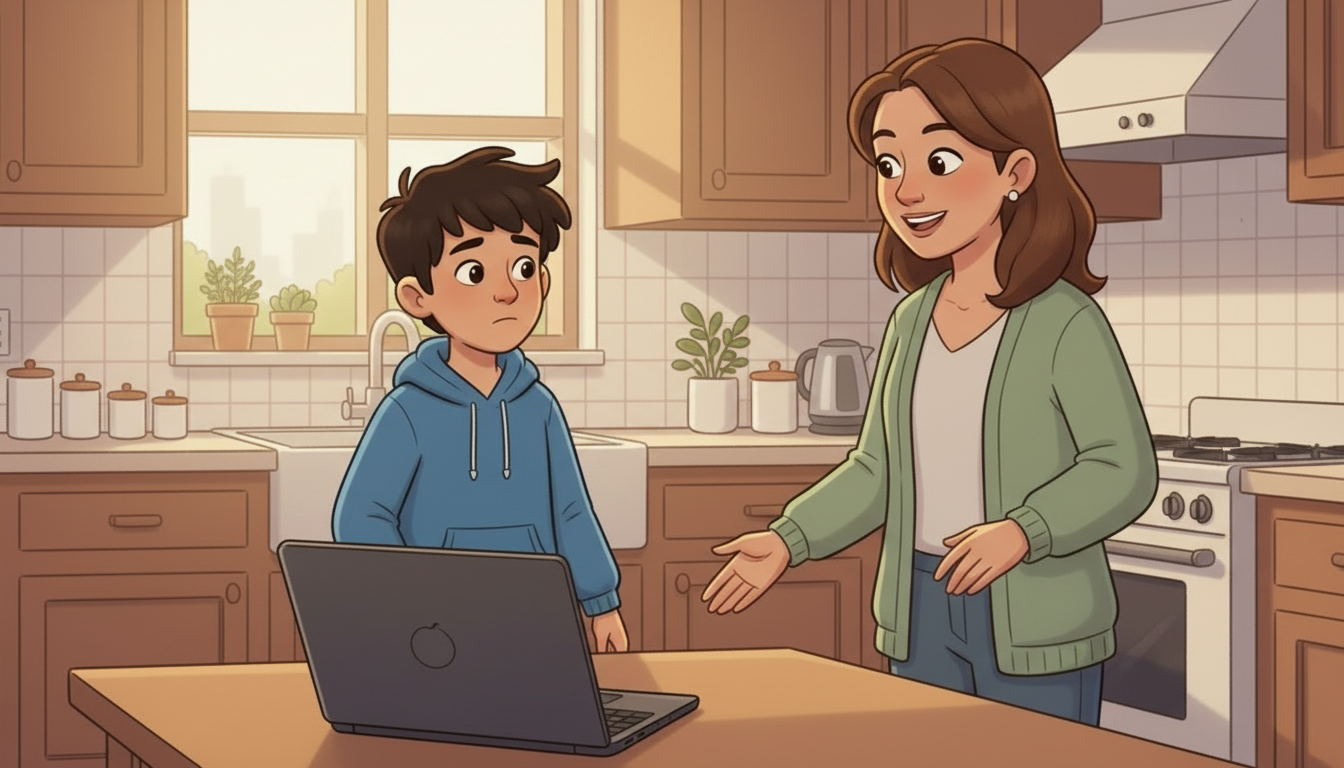
A child turns a phone screen toward a parent at a kitchen table. The adult looks at the phone, not at the child.
Film cut and on the live page – 10.0 seconds. Checked 28 Aug: the file returns 200.
SHOT 204.3.G4 · 1 of 1MED12sMADE – AWAITING APPROVAL
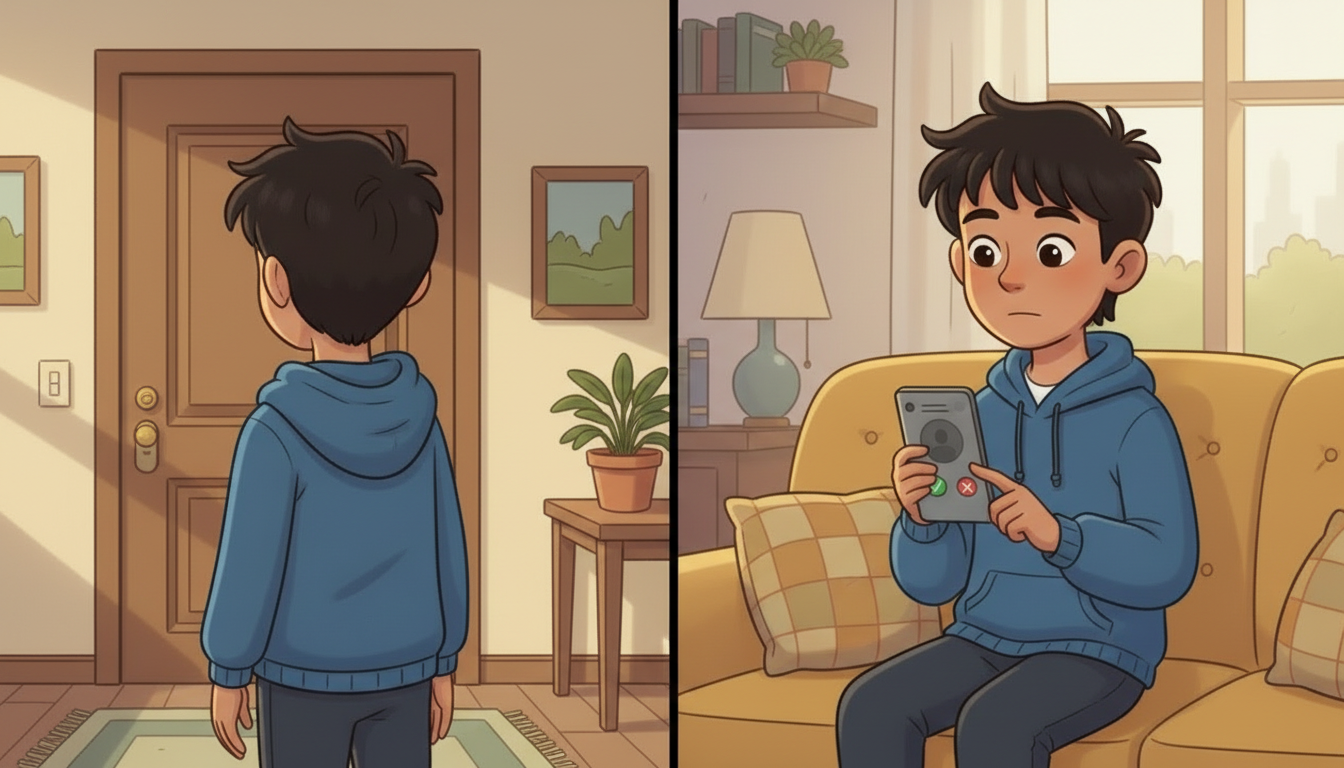
Guideline 4: the doorstep and the friend request are the same decision.
NARRATORYou would not trust a stranger in real life so don't trust a stranger on the web. Only friend people you know in real life.
ON SCREENYou would not trust a stranger in real life so don't trust a stranger on the web.
the voice for this shot
Guideline 4 – the doorstep and the friend request are the same decision.
Checked and updated Fri 28 Aug 2026, 17:10 UTC — frame walked this pass – Josh narrates, nobody speaks to camera
How this shot is framed
Split frame: a doorstep with a stranger a child does not open the door to, and the same child not accepting a request from a profile they do not know. The parallel IS the teaching.
Film cut and on the live page – 10.0 seconds. Checked 28 Aug: the file returns 200.
SHOT 214.3.G5 · 1 of 1MED13sMADE – AWAITING APPROVAL
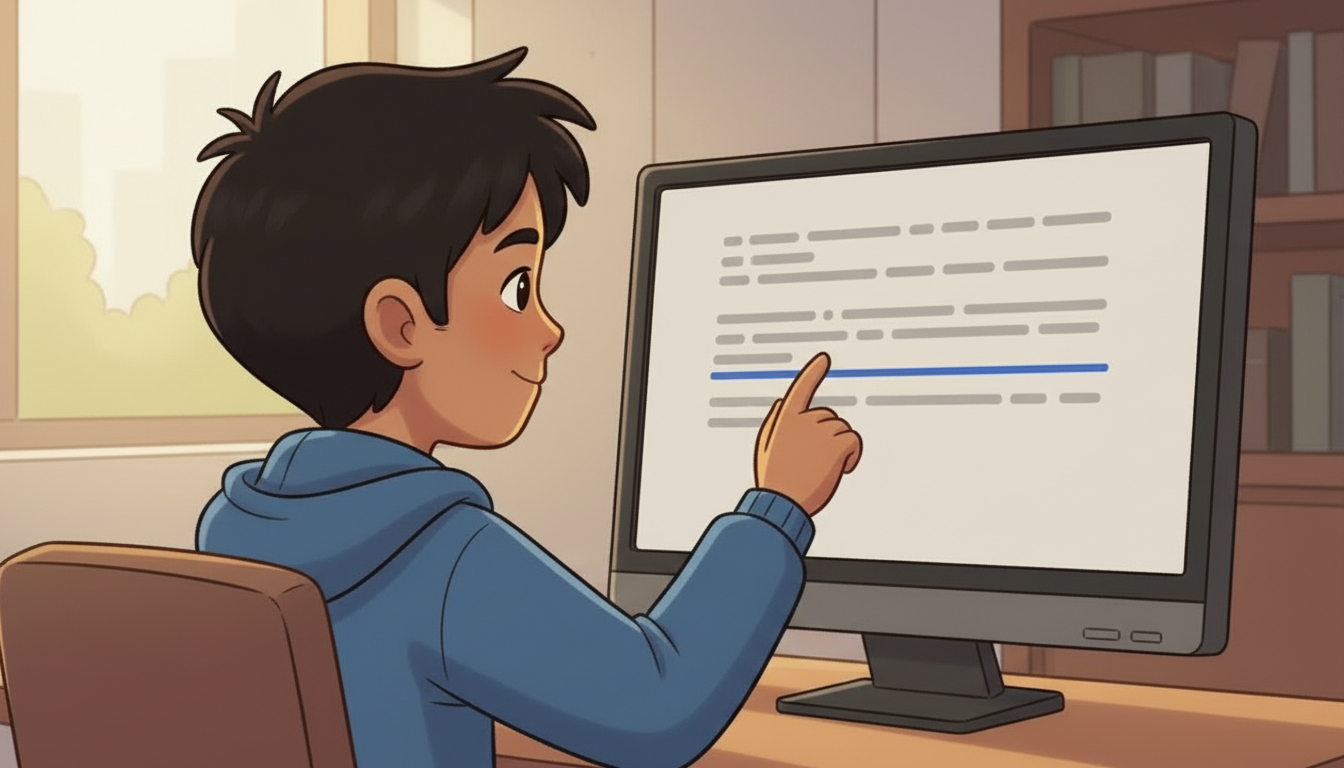
Guideline 5: a finger stops short of a link that looks perfectly ordinary.
NARRATORTHINK BEFORE YOU CLICK! Be careful about clicking on links or downloading files from people or websites you don't know. They might contain viruses or inappropriate content.
ON SCREENTHINK BEFORE YOU CLICK!
the voice for this shot
Guideline 5 – a finger stops short of a link that looks perfectly ordinary.
Checked and updated Fri 28 Aug 2026, 17:10 UTC — frame walked this pass – Josh narrates, nobody speaks to camera
How this shot is framed
A message with a link in it, and a finger stopping short of the link. The link is plausible and boring, not lurid.
Film cut and on the live page – 15.0 seconds. Checked 28 Aug: the file returns 200.
SHOT 224.3.G6 · 1 of 1MED14sMADE – AWAITING APPROVAL
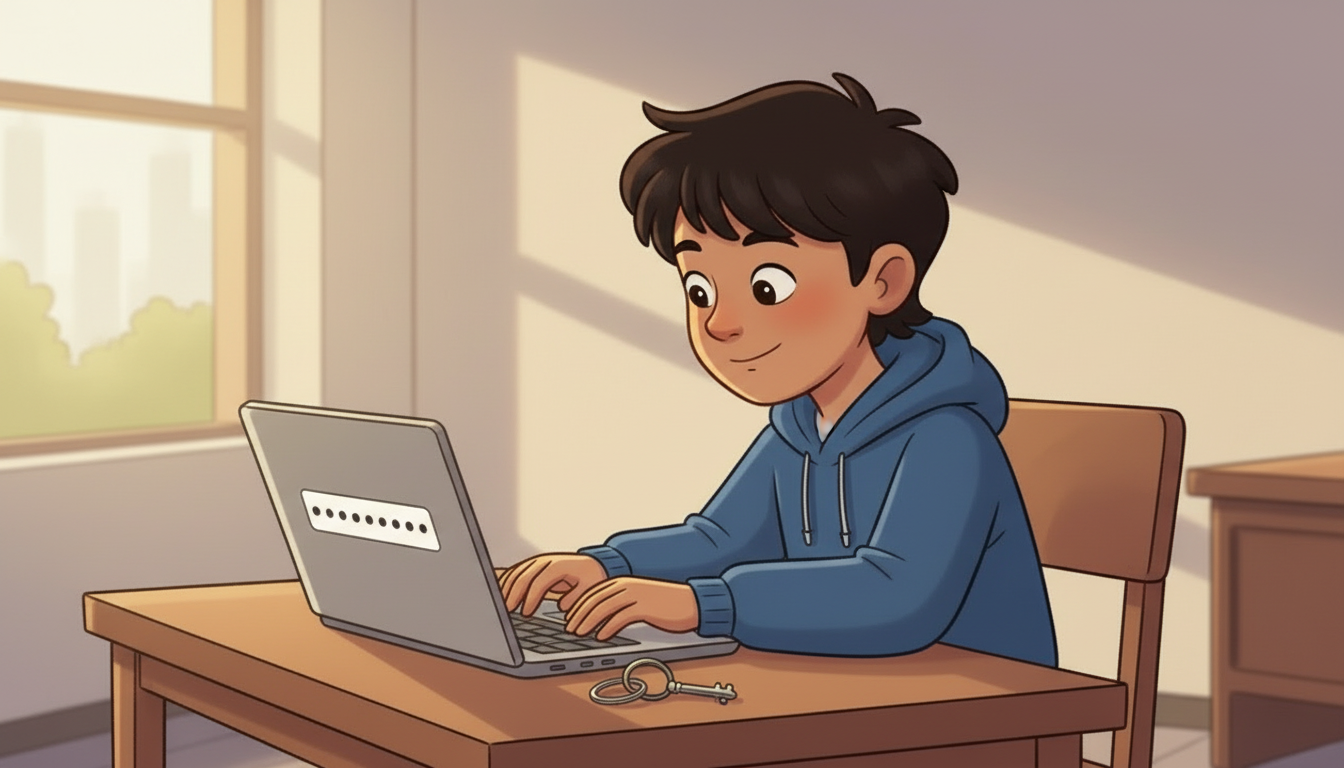
Guideline 6: a password gets built out of letters, numbers and symbols.
NARRATORUSE STRONG PASSWORDS! Create passwords that are hard to guess by mixing letters, numbers, and symbols. Never share your passwords with friends – they are like the keys to your online world.
ON SCREENUSE STRONG PASSWORDS!
the voice for this shot
Guideline 6 – a password built out of letters, numbers and symbols.
Checked and updated Fri 28 Aug 2026, 17:10 UTC — frame walked this pass – Josh narrates, nobody speaks to camera
How this shot is framed
A password field filling with letters, numbers and symbols; a keyring beside it, because the guideline itself calls passwords the keys to your online world.
Film cut and on the live page – 13.0 seconds. Checked 28 Aug: the file returns 200.
SHOT 244.3.G8 · 1 of 1MED13sMADE – AWAITING APPROVAL
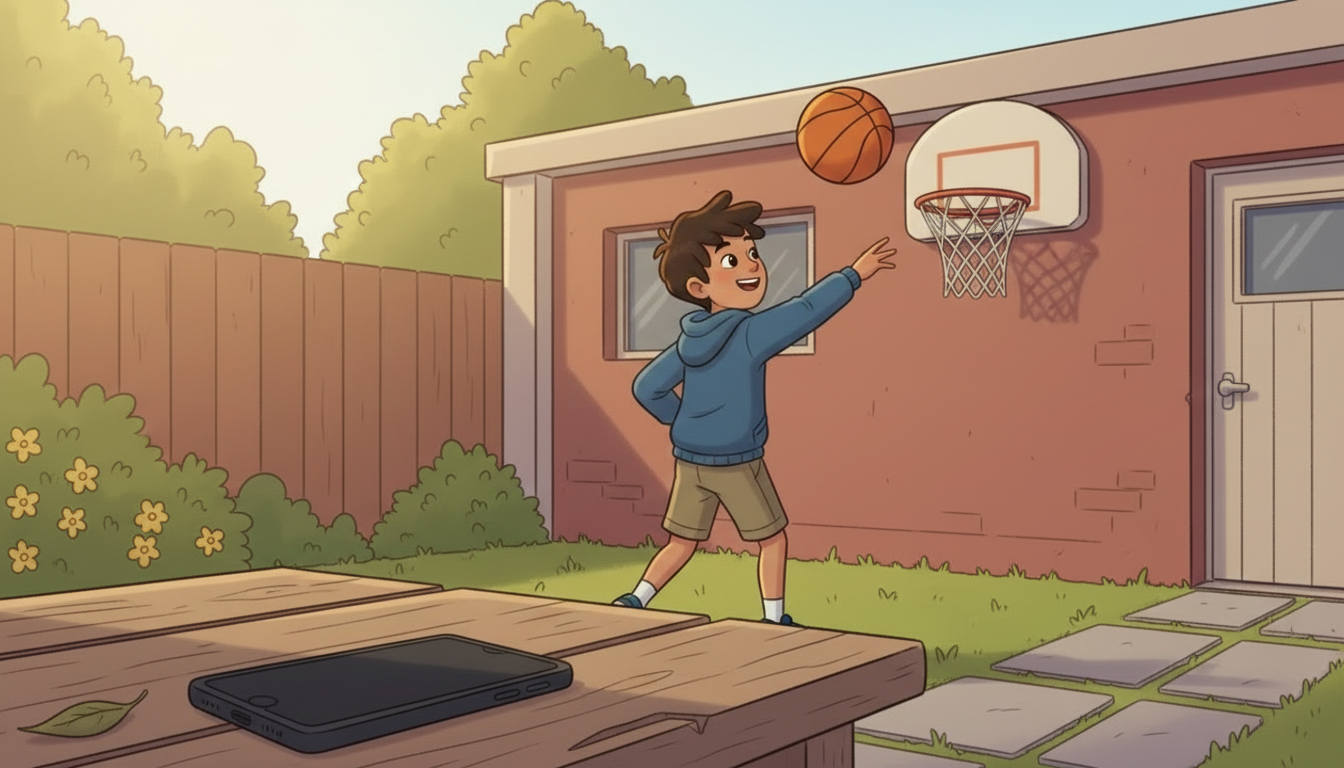
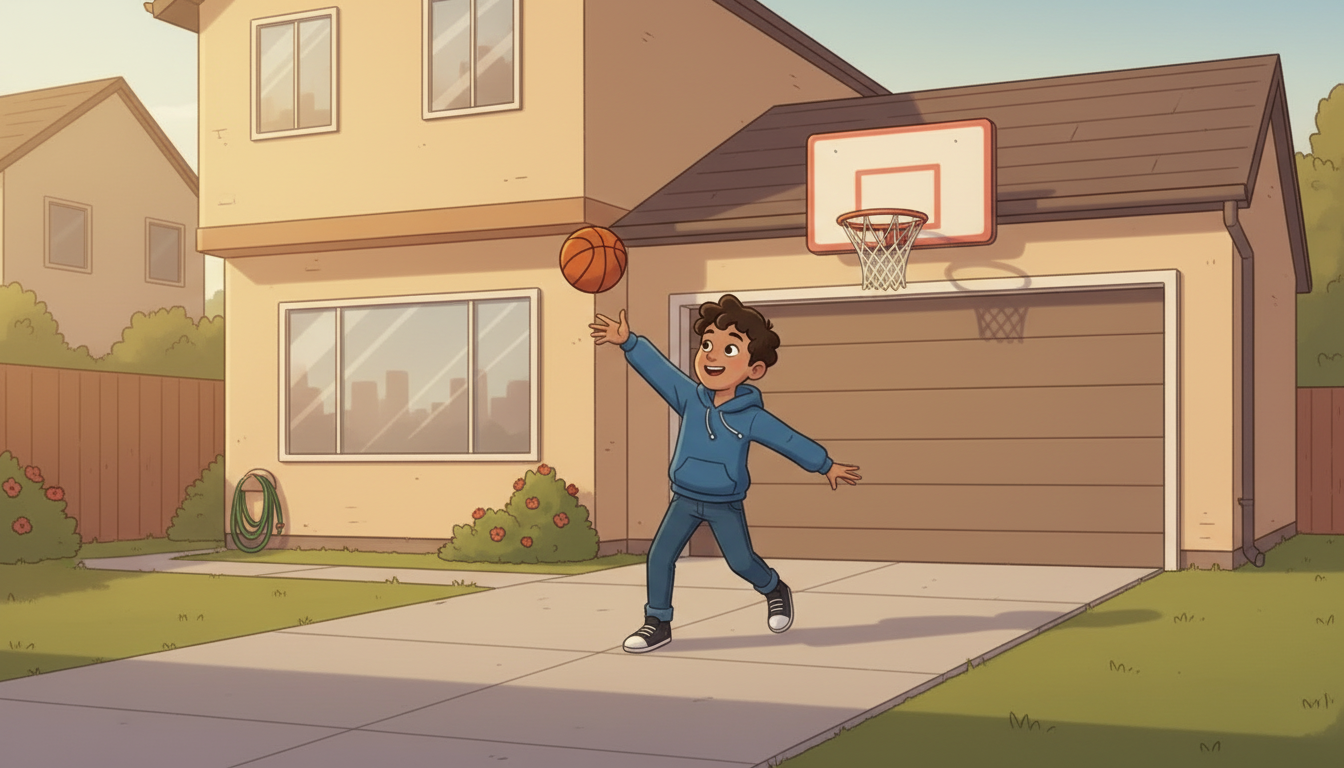
Guideline 8: the phone goes face-down and the child goes outside.
NARRATORTAKE BREAKS AND BALANCE YOUR TIME! Spend time offline too – playing outside, reading, and doing hobbies. This helps you stay healthy and safe from too much screen time.
ON SCREENTAKE BREAKS AND BALANCE YOUR TIME!
the voice for this shot
Guideline 8 – the phone goes face-down and he goes outside.
Checked and updated Fri 28 Aug 2026, 17:10 UTC — frame walked this pass – Josh narrates, nobody speaks to camera
How this shot is framed
A phone face-down on a table while the same child shoots hoops outside. One cut, two places, so the trade is visible.
Film cut and on the live page – 10.0 seconds. Checked 28 Aug: the file returns 200.
SHOT 254.3.G9 · 1 of 1MED13sMADE – AWAITING APPROVAL
Guideline 9: two screens, one true and one false, and no label on either.
NARRATORKNOW THAT NOT EVERYTHING ONLINE IS TRUE! Some information on the internet can be wrong or misleading. If you're unsure, ask a trusted adult to help you check it.
ON SCREENKNOW THAT NOT EVERYTHING ONLINE IS TRUE!
the voice for this shot
Guideline 9 – two screens, one true and one false, and no label on either.
Checked and updated Fri 28 Aug 2026, 17:10 UTC — frame walked this pass – Josh narrates, nobody speaks to camera
How this shot is framed
The same claim on two screens, one true and one false, with a child asking a parent which is which. Neither screen is labelled – checking is the point.
The modernised chat – nine messages, two warnings, silent by design
Production notes
Built in the player, not filmed – the chat, nine messages, silent by design (FLAG-B4-08). Live on the page.
built in the player
SHOT 264.4 · 1 of 13UI8sno film – it is a screenMADE – AWAITING APPROVAL
The chat opens on a phone that looks like now, not like 2017.
NARRATORHome Alone 2 has just sent Soccer Star a message. Let's have a look at the messages they are sending each other. Do you think these messages are appropriate?
How this shot is framed
A phone in a child's hands, held the way a child holds it. A messaging app that reads as 2026 – avatars, read receipts, a typing indicator – but is invented, not any real product's interface.
built in the player
SHOT 274.4 · 2 of 13PHONE4sno film – it is a screenMADE – AWAITING APPROVAL
A stranger opens with flattery about something the child is good at.
ON SCREENHome Alone 2: Hey there soccer star, I've seen you playing this game before. You're pretty good.
How this shot is framed
Chat bubble, left, the stranger's side. It arrives with a typing indicator first, then lands. Nothing is voiced – a child must not learn what a stranger sounds like.
built in the player
SHOT 284.4 · 3 of 13PHONE4sno film – it is a screenMADE – AWAITING APPROVAL
The child answers – friendly, harmless, and the trap has already started.
ON SCREENSoccer Star: I play at school and in a league.
How this shot is framed
Chat bubble, right, the child's own side. It arrives with a typing indicator first, then lands. Nothing is voiced – a child must not learn what a stranger sounds like.
built in the player
SHOT 294.4 · 4 of 13PHONE4sno film – it is a screenMADE – AWAITING APPROVAL
The stranger asks for the league. It sounds like small talk.
ON SCREENHome Alone 2: I'd love to play in a league. What league are you in?
How this shot is framed
Chat bubble, left, the stranger's side. It arrives with a typing indicator first, then lands. Nothing is voiced – a child must not learn what a stranger sounds like.
built in the player
SHOT 304.4 · 5 of 13PHONE4sno film – it is a screenMADE – AWAITING APPROVAL
The child names their club. This is the first piece given away.
ON SCREENSoccer Star: Oakville Soccer Club.
How this shot is framed
Chat bubble, right, the child's own side. It arrives with a typing indicator first, then lands. Nothing is voiced – a child must not learn what a stranger sounds like.
built in the player
SHOT 314.4 · 6 of 13UI6sno film – it is a screenMADE – AWAITING APPROVAL
The chat freezes and rings that message: that was personal information.
NARRATORThis is personal information. Don't share any personal information online.
ON SCREENPersonal information
How this shot is framed
The chat dims and the message the child just sent is ringed. The warning lands ON the message, not in a summary at the end – a child has to see which words were the mistake.
built in the player
SHOT 324.4 · 7 of 13PHONE4sno film – it is a screenMADE – AWAITING APPROVAL
The stranger asks which nights. Still friendly, still specific.
ON SCREENHome Alone 2: I have friends who play soccer. What night do you play?
How this shot is framed
Chat bubble, left, the stranger's side. It arrives with a typing indicator first, then lands. Nothing is voiced – a child must not learn what a stranger sounds like.
built in the player
SHOT 334.4 · 8 of 13PHONE4sno film – it is a screenMADE – AWAITING APPROVAL
The child gives the days. Now a stranger knows where they will be and when.
ON SCREENSoccer Star: We play Mondays and practice on Thursdays.
How this shot is framed
Chat bubble, right, the child's own side. It arrives with a typing indicator first, then lands. Nothing is voiced – a child must not learn what a stranger sounds like.
built in the player
SHOT 344.4 · 9 of 13UI6sno film – it is a screenMADE – AWAITING APPROVAL
The chat freezes again. Two answers is all it took.
NARRATORThis is personal information. Don't share any personal information online.
ON SCREENPersonal information
How this shot is framed
The chat dims and the message the child just sent is ringed. The warning lands ON the message, not in a summary at the end – a child has to see which words were the mistake.
built in the player
SHOT 354.4 · 10 of 13PHONE4sno film – it is a screenMADE – AWAITING APPROVAL
And then the ask that matters: where is your next game?
ON SCREENHome Alone 2: I'd love to bring my parents to watch you play. Where's your next game?
How this shot is framed
Chat bubble, left, the stranger's side. It arrives with a typing indicator first, then lands. Nothing is voiced – a child must not learn what a stranger sounds like.
built in the player
SHOT 364.4 · 11 of 13PHONE4sno film – it is a screenMADE – AWAITING APPROVAL
The child stops. Sorry, I can't tell you that – the badge's whole lesson in six words.
ON SCREENSoccer Star: Sorry, I can't tell you that.
How this shot is framed
Chat bubble, right, the child's own side. It arrives with a typing indicator first, then lands. Nothing is voiced – a child must not learn what a stranger sounds like.
built in the player
SHOT 374.4 · 12 of 13PHONE4sno film – it is a screenMADE – AWAITING APPROVAL
The stranger backs off smoothly, because that is what they do.
ON SCREENHome Alone 2: I get it, my parents tell me to be careful too.
How this shot is framed
Chat bubble, left, the stranger's side. It arrives with a typing indicator first, then lands. Nothing is voiced – a child must not learn what a stranger sounds like.
built in the player
SHOT 384.4 · 13 of 13UI5sno film – it is a screenMADE – AWAITING APPROVAL
The chat holds, and one button offers to show who was really typing.
QUESTIONWho is Home Alone 2? Click on the button to reveal Home Alone 2.
ON SCREEN[ Reveal Home Alone 2 ]
How this shot is framed
The chat holds on the last message. A single button appears under it.
The reveal – Home Alone 2 is an ordinary adult at an ordinary desk
Production notes
Film cut and on the live page – 17.0 seconds. Checked 28 Aug: the file returns 200.
SHOT 394.4 · 1 of 1MED17sMADE – AWAITING APPROVAL
Home Alone 2 is revealed as an ordinary adult man at an ordinary desk.
NARRATORThe real person behind Home Alone 2 is a tricky person who is trying to fool kids by pretending to be a kid himself. It's easy for tricky people to create fake profiles online. Remember to only become online friends with people you know in real life.
the voice for this shot
THE REVEAL – Home Alone 2 is an ordinary man at an ordinary desk in ordinary daylight.
Checked and updated Fri 28 Aug 2026, 17:10 UTC — frame walked this pass – Josh narrates, nobody speaks to camera
How this shot is framed
THE REVEAL, AND THE HARDEST FRAME IN THE BADGE TO GET RIGHT. The kid avatar dissolves to an ordinary adult man at an ordinary desk in ordinary daylight, typing. He is NOT in shadow, NOT hooded, NOT lit from below, and he is not looking at us. The menace is that he looks like anybody – a monster teaches a child to watch for monsters.
AI tools – what they are, and that they get things wrong
Production notes
Film cut and on the live page – 23.1 seconds. Checked 28 Aug: the file returns 200.
SHOT 404.5 · 1 of 2MED10sMADE – AWAITING APPROVAL
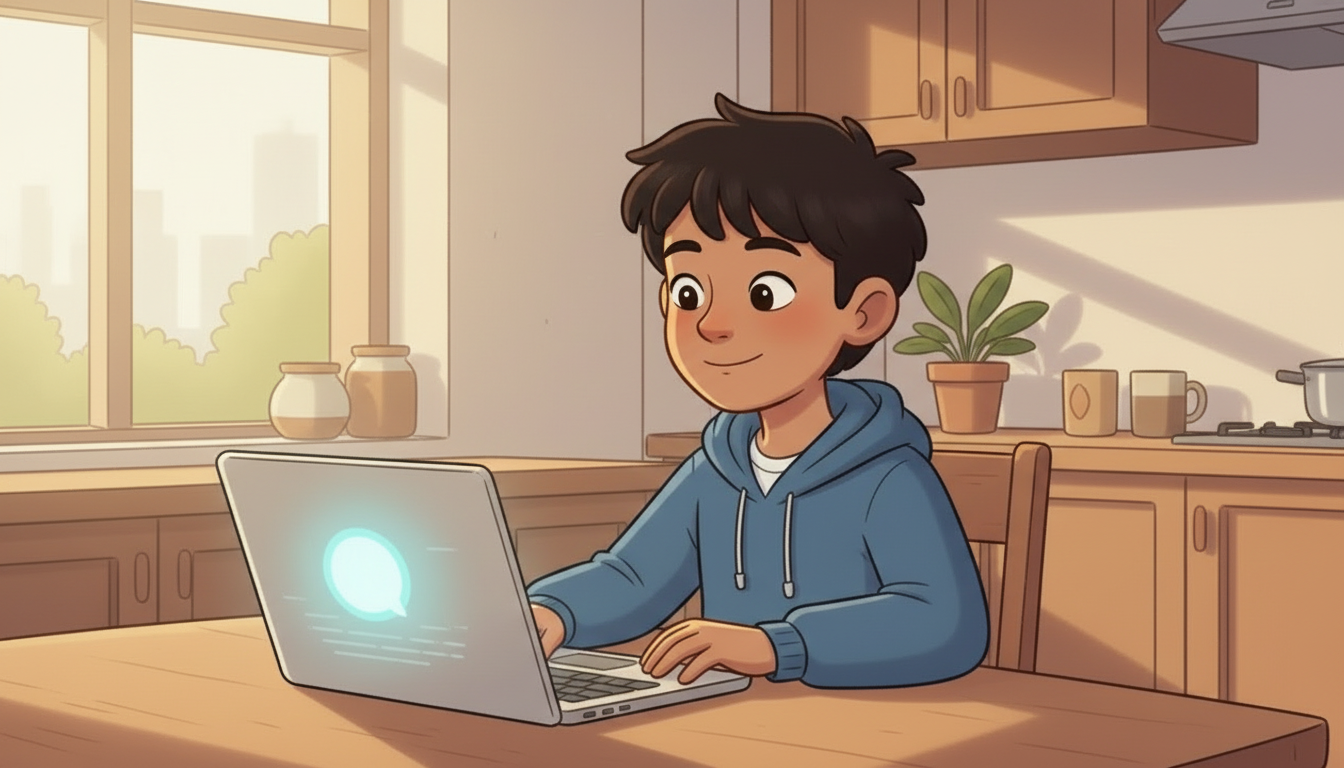
A new section: a child using an AI at the kitchen table, and it is going fine.
NARRATOR DRAFTAI tools are computer programs that can chat with you, answer questions, and even create stories or pictures. They are fun and helpful – but there are some important things to remember to stay safe when using them.
the voice for this shot
A child using an AI at the kitchen table, and it is going fine. DRAFT wording.
Checked and updated Fri 28 Aug 2026, 17:10 UTC — frame walked this pass – Josh narrates, nobody speaks to camera
How this shot is framed
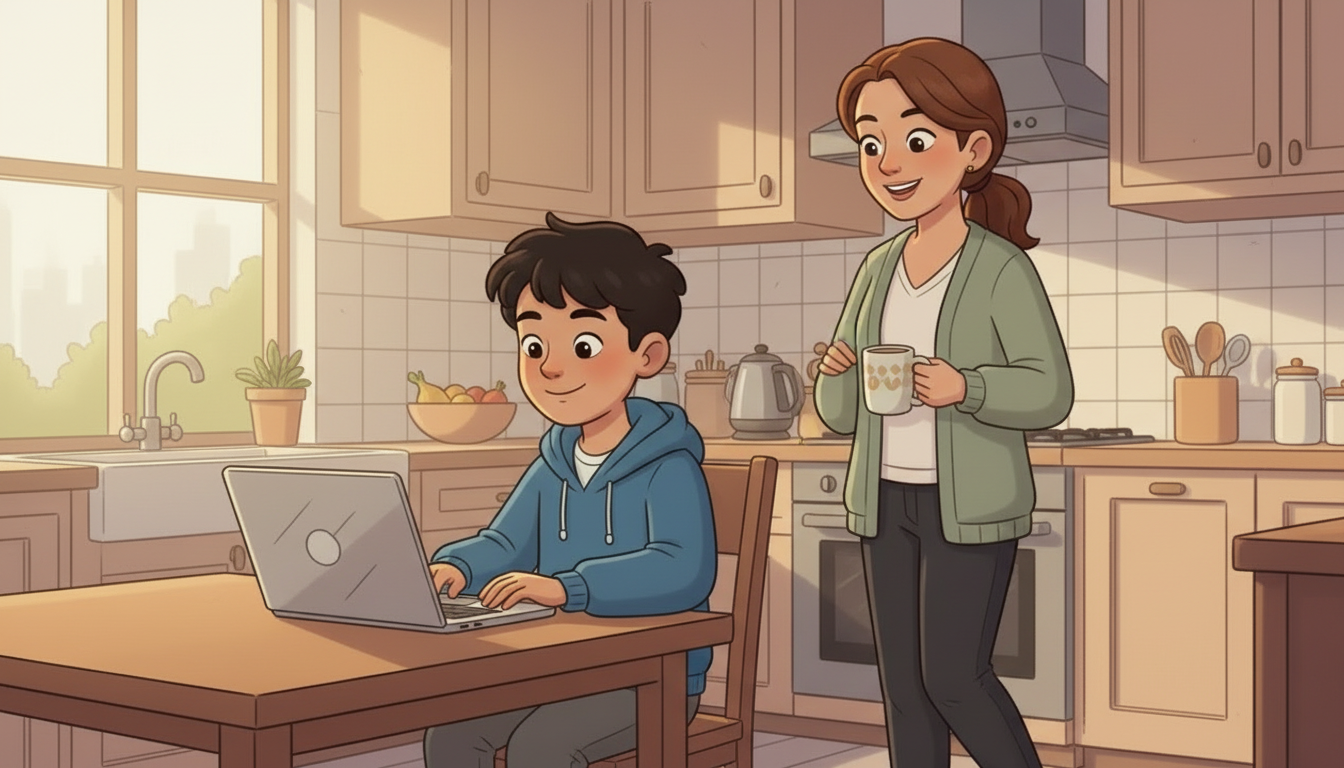
A child at a laptop with an AI assistant open. The reply on screen is friendly and unremarkable. The room is bright and shared – a kitchen table, not a bedroom.
SHOT 414.5 · 2 of 2MED11sMADE – AWAITING APPROVAL
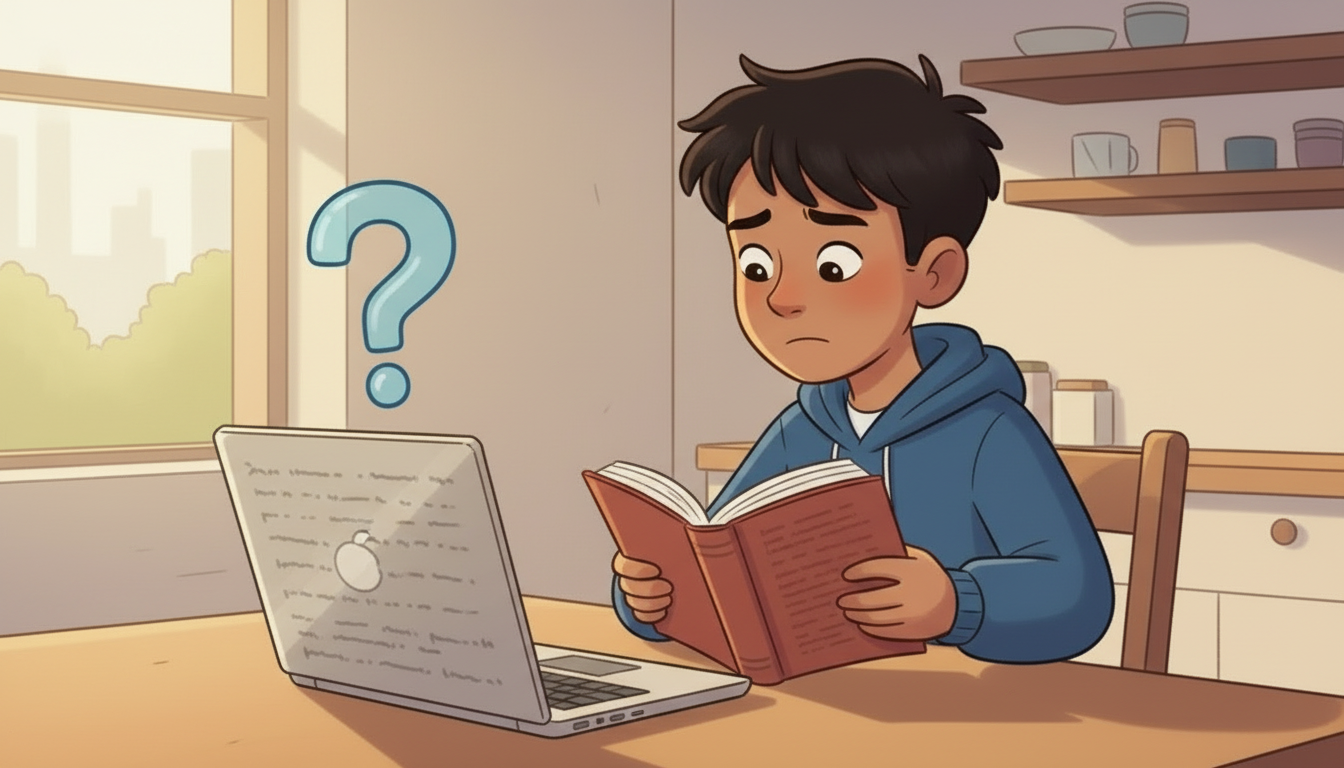
The AI answers a homework question confidently and gets it wrong.
NARRATOR DRAFTAI does not always get it right. It can give you answers that are wrong or confusing, because it does not think the way a person does. Check anything important with a trusted adult.
ON SCREENAI doesn't always get it right.
the voice for this shot
The AI gets a homework answer wrong and he checks it in a book. DRAFT wording.
Checked and updated Fri 28 Aug 2026, 17:10 UTC — frame walked this pass – Josh narrates, nobody speaks to camera
How this shot is framed
The AI answers a homework question confidently and it is WRONG – a plain factual error the child then checks in a book with a parent. The error must be legible on screen, not implied.
AI tools – it is not a person, and it keeps no secrets
Production notes
Film cut and on the live page – 23.1 seconds. Checked 28 Aug: the file returns 200.
SHOT 424.5 · 1 of 2MED11sMADE – AWAITING APPROVAL
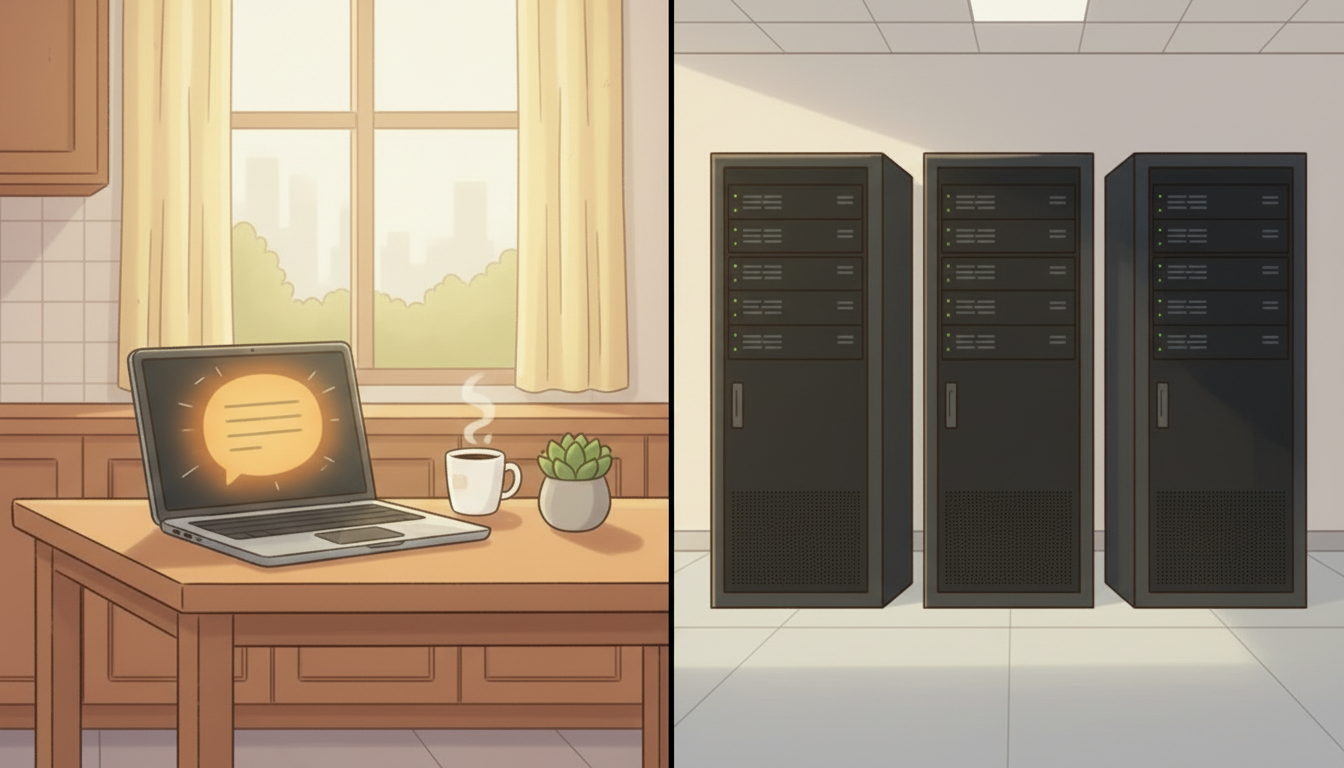
The friendly avatar splits to a server rack – there is nobody in there.
NARRATOR DRAFTAn AI is not a real person and it cannot keep a secret. It can sound friendly, but it has no feelings, and it cannot protect your private information.
ON SCREENAI isn't a real person and can't keep secrets.
the voice for this shot
The friendly avatar splits to a server rack – nobody is in there. DRAFT wording.
Checked and updated Fri 28 Aug 2026, 17:10 UTC — frame walked this pass – Josh narrates, nobody speaks to camera
How this shot is framed
The friendly assistant avatar is shown for what it is: the same panel splits to a server rack. No face, no eyes, nothing that could be mistaken for a person.
SHOT 434.5 · 2 of 2MED11sMADE – AWAITING APPROVAL
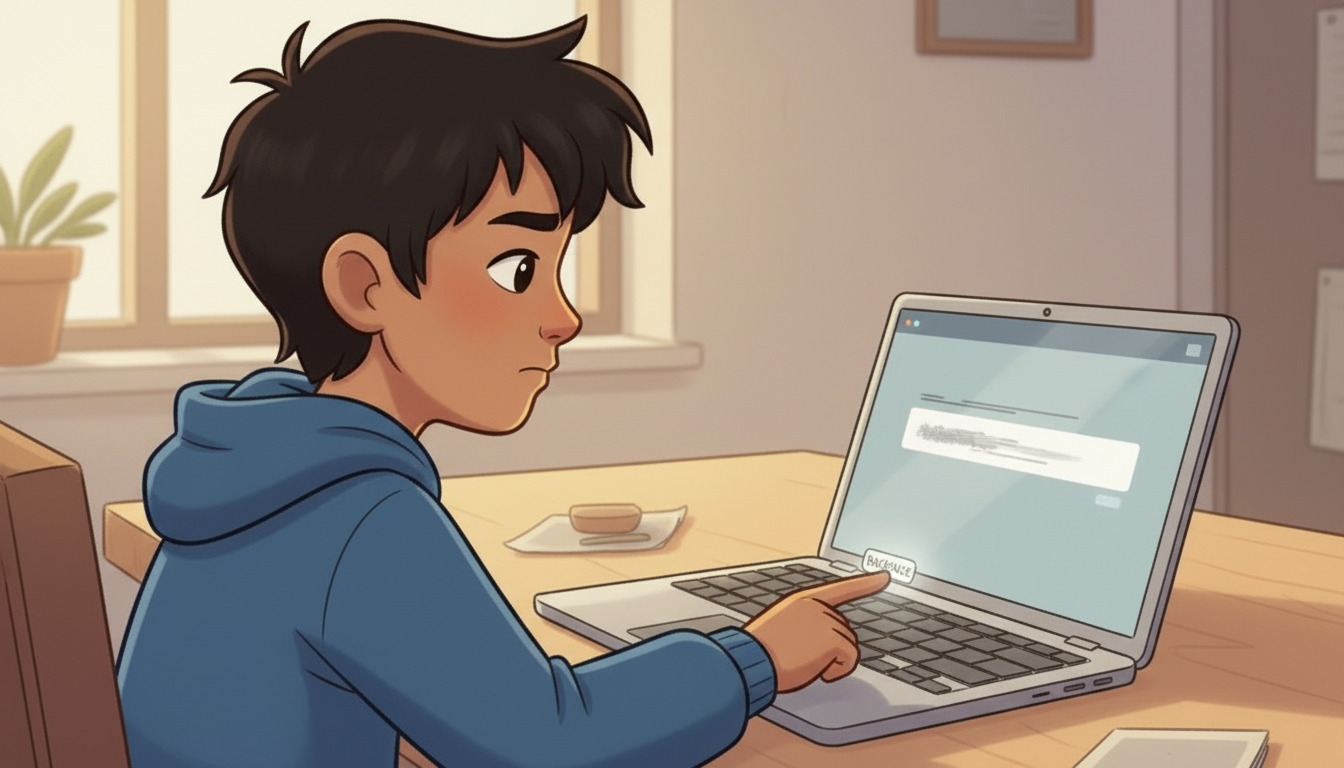
A child types their name and school into the chat box, then deletes it.
NARRATOR DRAFTSo never tell an AI your full name, your address, your phone number, your school or your passwords. If you are not sure, ask a trusted adult first.
ON SCREENDon't share personal information.
the voice for this shot
He types his name and school into the chat box, then deletes it. DRAFT wording.
Checked and updated Fri 28 Aug 2026, 17:10 UTC — frame walked this pass – Josh narrates, nobody speaks to camera
How this shot is framed
A child starts typing their full name and school into the chat box, stops, and deletes it. We see the letters disappear.
AI tools – tell an adult, ask for help, and enjoy it
Production notes
Film cut and on the live page – 31.2 seconds. Checked 28 Aug: the file returns 200.
SHOT 444.5 · 1 of 3MED11sMADE – AWAITING APPROVAL
Something comes back that makes them uneasy, so they go and find a parent.
NARRATOR DRAFTIf something an AI says makes you worried or uncomfortable, tell a trusted adult straight away. Your parents, your guardian or your teacher can help you work out what to do.
ON SCREENIf something from AI makes you worried or uncomfortable, tell a trusted adult immediately.
the voice for this shot
Something makes him uneasy, so he goes and finds a parent. DRAFT wording.
Checked and updated Fri 28 Aug 2026, 17:10 UTC — frame walked this pass – Josh narrates, nobody speaks to camera
How this shot is framed
The AI returns something that makes the child uneasy – the screen is turned away from us, deliberately, so nothing is depicted – and the child gets up and goes to find a parent.
SHOT 454.5 · 2 of 3MED11sMADE – AWAITING APPROVAL
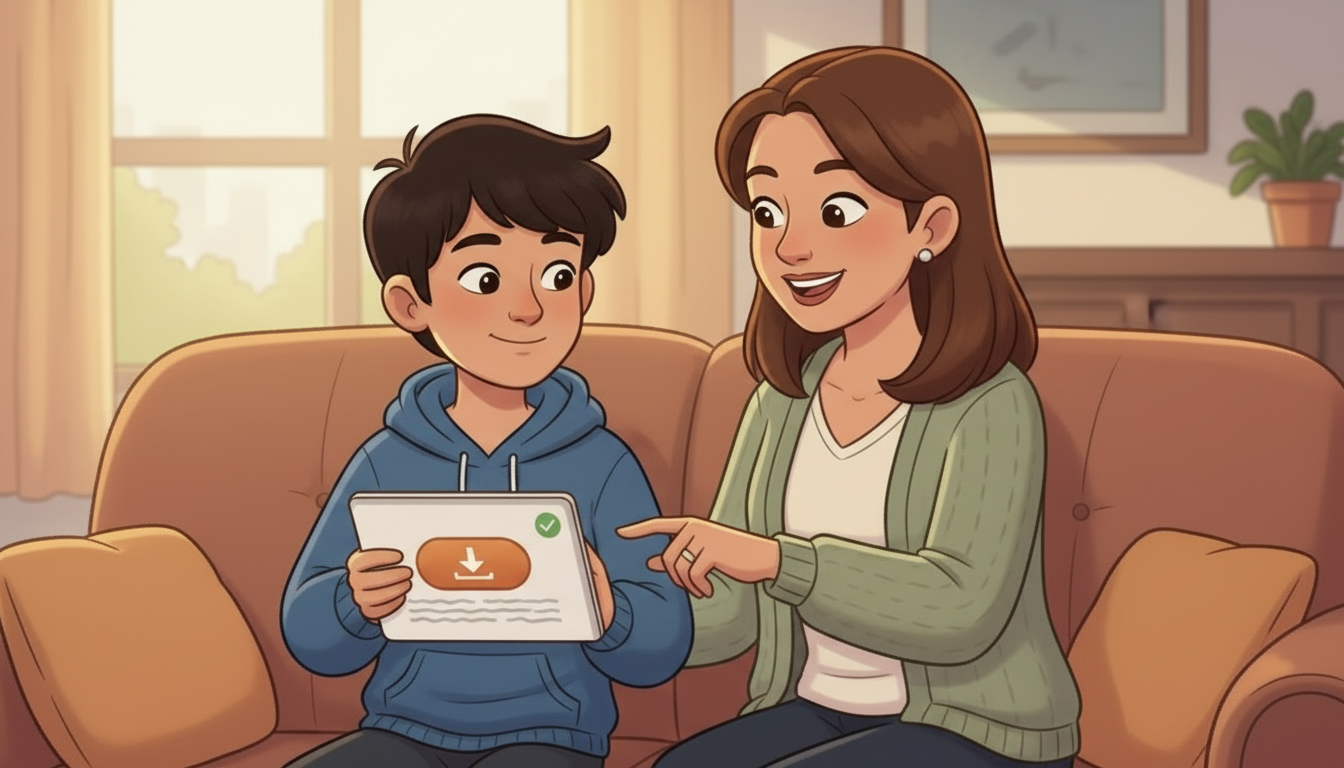
First time using a new app, an adult sets it up with them.
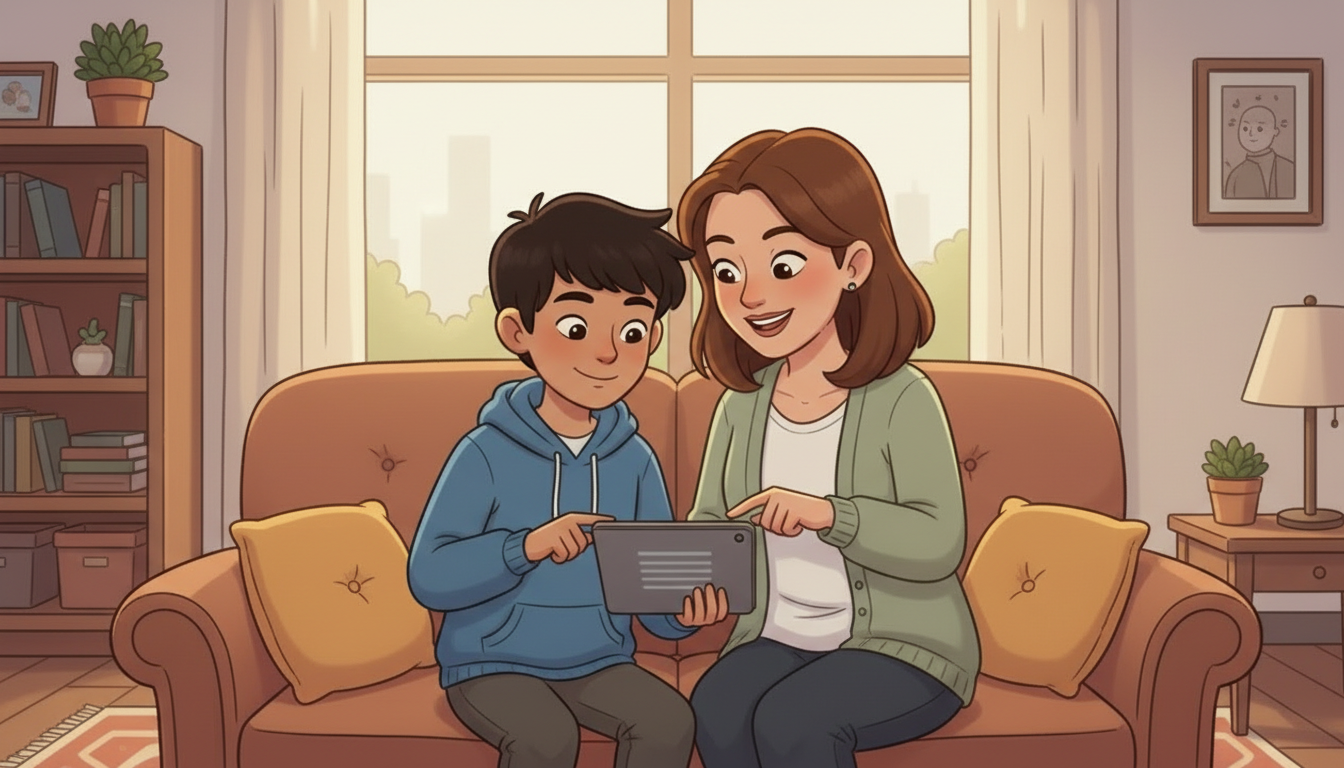
NARRATOR DRAFTAnd ask for help when you are not sure. If you want to try an AI tool for the first time, get an adult to help you set it up safely.
ON SCREENAsk for help if you're unsure.
the voice for this shot
First time using a new app, an adult sets it up with him. DRAFT wording, and the read is a little fast at 4.49 words per second.
Checked and updated Fri 28 Aug 2026, 17:10 UTC — frame walked this pass – Josh narrates, nobody speaks to camera
How this shot is framed
A parent and a child set up an app together on the first run, heads together over the screen.
SHOT 464.5 · 3 of 3MED8sMADE – AWAITING APPROVAL
The section ends on using it well, not on being afraid of it.
NARRATOR DRAFTBy following these tips, you can enjoy learning and having fun with AI while staying safe and smart online.
the voice for this shot
The section ends on using it well, not on being afraid of it. DRAFT wording.
Checked and updated Fri 28 Aug 2026, 17:10 UTC — frame walked this pass – Josh narrates, nobody speaks to camera
How this shot is framed
Back to the kitchen table, the child working happily with the AI and a parent passing behind. The section ends on USE IT WELL, not on fear.
Screen time – the light changes, and the app does not stop
Production notes
Film cut and on the live page – 24.1 seconds. Checked 28 Aug: the file returns 200.
SHOT 474.6 · 1 of 2MED13sMADE – AWAITING APPROVAL
Autoplay runs and the light in the room goes from afternoon to evening.
NARRATORDid you know that many websites and apps are made to keep you watching videos, looking at pictures, and scrolling for a long time? They do this because they want you to stay online as much as possible. Too much screen time can be harmful for you and sometimes, it can be hard to stop using these apps. They can take away time from other fun things you like to do – like playing outside, reading, or spending time with your family and friends.
the voice for this shot
Autoplay runs and the light in the room goes from afternoon to evening – time passing, without a cut.
Checked and updated Fri 28 Aug 2026, 17:10 UTC — frame walked this pass – Josh narrates, nobody speaks to camera
How this shot is framed
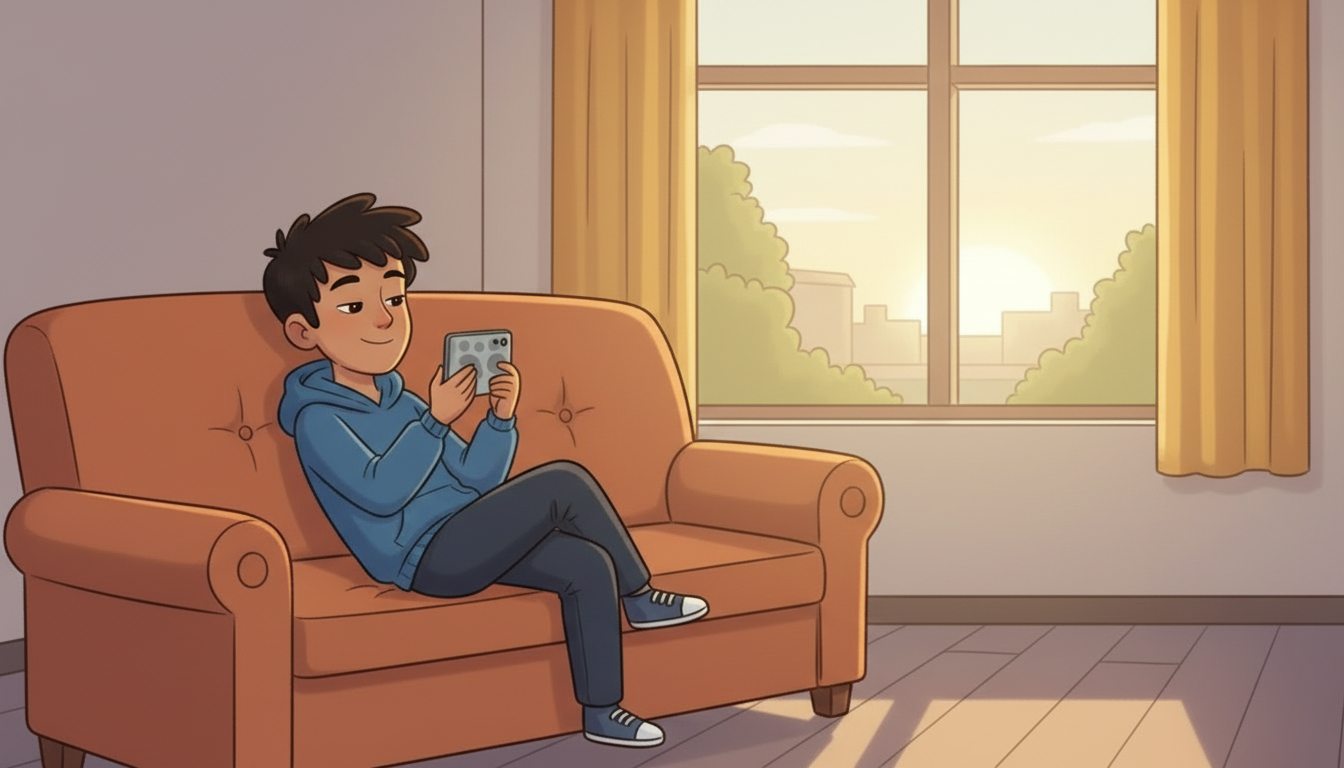
A child on a sofa, autoplay running. The room light shifts from afternoon to evening across the shot WITHOUT a cut – the time passing is the whole point, and it has to be felt rather than captioned.
SHOT 484.6 · 2 of 2CU9sMADE – AWAITING APPROVAL
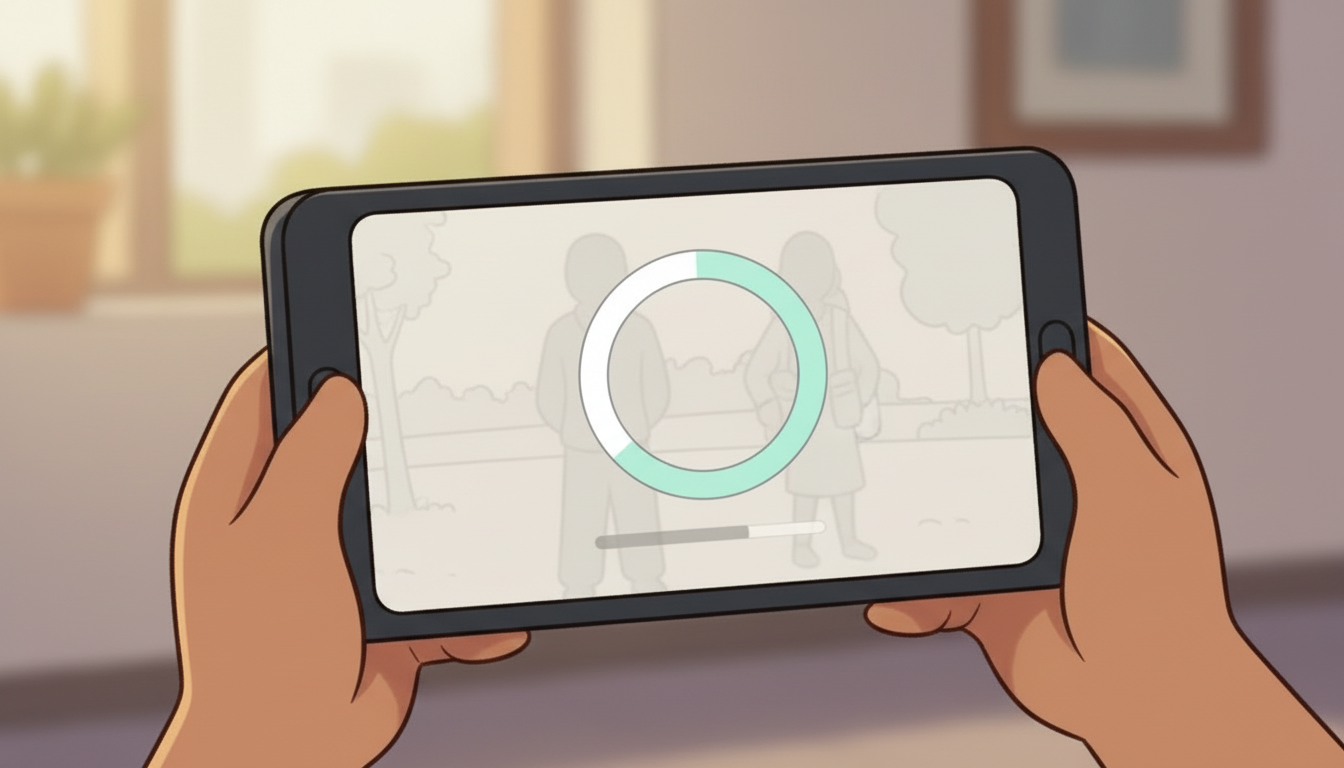
The countdown ring fills by itself – and the phone goes down anyway.
NARRATORIt's important to take breaks from screens and smart devices, even if the app feels really fun.
the voice for this shot
The countdown ring fills by itself and the next video starts – then the phone goes down anyway.
Checked and updated Fri 28 Aug 2026, 17:10 UTC — frame walked this pass – Josh narrates, nobody speaks to camera
How this shot is framed
Close on the screen: the next video starts by itself, the countdown ring filling. Then the child's hand puts the phone down. The design that keeps them watching is named, so it can be resisted.
Six things to do away from a screen – pickable cards
Production notes
Built in the player, not filmed – six pickable cards. Fixed 28 Aug: the page was showing four of the six.
built in the player
SHOT 494.6 · 1 of 1UI8sno film – it is a screenMADE – AWAITING APPROVAL
Six things to do instead, and the child picks one.
QUESTIONWhat are some fun things you can do away from screens that make you feel happy and refreshed?
ON SCREENShoot some hoops · Read a book · Do a puzzle · Go for a walk · Play with friends · Play a board game
How this shot is framed
The question on screen with the six offline suggestions as cards under it. Each card is tappable and plays a two-second clip of that activity. Nothing is scored and nothing is wrong – this is a think-about, not a quiz.
Film cut and on the live page – 8.0 seconds. Checked 28 Aug: the file returns 200.
SHOT 504.6 · 1 of 1WIDE6sMADE – AWAITING APPROVAL
The same child, the same day, outside with a basketball.
NARRATORChoosing to stop is you being in charge, not you missing out. The app will still be there tomorrow, and so will everything on it.
the voice for this shot
REMADE 28 Aug for CONTINUITY. He had curly hair here and straight hair in shots 47 and 48, on the same day. Hair re-drawn on the start still from shot 47's frame as the reference, then the shot re-rendered from it – short, straight, dark brown, same blue hoodie throughout. Josh's narration is unchanged.
Checked and updated Fri 28 Aug 2026, 17:30 UTC — continuity flag closed – hair now matches shots 47 and 48
How this shot is framed
The same child from the sofa, now outside shooting hoops in the last of the daylight. Same clothes, same day – it has to read as the SAME child choosing differently, not a different, better child.
Built in the player, not filmed – the seven badge questions. Live on the page.
built in the player
SHOT 514.7 · 1 of 8UI8sno film – it is a screenMADE – AWAITING APPROVAL
The badge challenge opens.
NARRATORNext, test your internet smarts and earn your Online Safety Badge with this quick quiz. Read each question, then click the buttons to answer.
How this shot is framed
Badge challenge opening screen.
built in the player
SHOT 524.7 · 2 of 8UI10sno film – it is a screenMADE – AWAITING APPROVAL
Challenge 1. Telling an adult about a mean comment.
NARRATORYou should tell a trusted adult if someone writes a mean comment about you online. True or false?
IF RIGHTThat's right! Telling an adult you trust is the first step towards making the mean comments come to an end.
IF WRONGTelling an adult you trust is the first step towards making the mean comments come to an end. Try again.
ON SCREENYou should tell a trusted adult if someone writes a mean comment about you online. True or false? [ TRUE ] [ FALSE ]
How this shot is framed
Quiz question with a still behind it drawn from the section that taught it, so the child is answering about something they have been shown. Answer: TRUE. A child cannot progress until it is right, and may try as often as they like.
built in the player
SHOT 534.7 · 3 of 8UI10sno film – it is a screenMADE – AWAITING APPROVAL
Challenge 2. Sharing passwords with a best friend.
NARRATORIt's okay to share everything, including passwords, with your best friend. True or false?
IF RIGHTWell done. Keep your personal information private. You cannot control what others do or say about you.
IF WRONGThink again. You can't control what other people say and share. Try again.
ON SCREENIt's okay to share everything, including passwords, with your best friend. True or false? [ TRUE ] [ FALSE ]
How this shot is framed
Quiz question with a still behind it drawn from the section that taught it, so the child is answering about something they have been shown. Answer: FALSE. A child cannot progress until it is right, and may try as often as they like.
built in the player
SHOT 544.7 · 4 of 8UI10sno film – it is a screenMADE – AWAITING APPROVAL
Challenge 3. Posting photos of your friends.
NARRATORIt is harmless fun to post selfies and photos of friends online. True or false?
IF RIGHTThat's right, be respectful and don't post photos of other people without asking their permission first.
IF WRONGThink again. Don't post images of others without asking permission first. Some images can damage a person's reputation. Be careful what you post. Try again.
ON SCREENIt is harmless fun to post selfies and photos of friends online. True or false? [ TRUE ] [ FALSE ]
How this shot is framed
Quiz question with a still behind it drawn from the section that taught it, so the child is answering about something they have been shown. Answer: FALSE. A child cannot progress until it is right, and may try as often as they like.
built in the player
SHOT 554.7 · 5 of 8UI10sno film – it is a screenMADE – AWAITING APPROVAL
Challenge 4. Accepting every friend request.
NARRATORIt is risky to accept all online friend requests. True or false?
IF RIGHTThat's right, it is risky. You wouldn't talk to strangers in real life, so don't talk to strangers on the internet.
IF WRONGHmm, think again. Only accept friend requests from people that you know in real life. Try again.
ON SCREENIt is risky to accept all online friend requests. True or false? [ TRUE ] [ FALSE ]
How this shot is framed
Quiz question with a still behind it drawn from the section that taught it, so the child is answering about something they have been shown. Answer: TRUE. A child cannot progress until it is right, and may try as often as they like.
built in the player
SHOT 564.7 · 6 of 8UI10sno film – it is a screenMADE – AWAITING APPROVAL
Challenge 5. Posting your age, school or address.
NARRATORIt's okay to post your age, school or address online. True or false?
IF RIGHTThat's right! Posting personal information is dangerous. Never post your age, school, or address online. Personal information makes it easier for people to find you.
IF WRONGPosting personal information is dangerous. Never post your age, school or address online. Personal information makes it easier for people to find you. Try again.
ON SCREENIt's okay to post your age, school or address online. True or false? [ TRUE ] [ FALSE ]
How this shot is framed
Quiz question with a still behind it drawn from the section that taught it, so the child is answering about something they have been shown. Answer: FALSE. A child cannot progress until it is right, and may try as often as they like.
built in the player
SHOT 574.7 · 7 of 8UI10sno film – it is a screenMADE – AWAITING APPROVAL
Challenge 6. An AI asks your name and your school. NEW – see FLAG-B4-05.
NARRATORAn AI chatbot asks for your full name and what school you go to. Should you tell it?
IF RIGHTThat's right. An AI is not a real person and it cannot keep a secret. Never give it your name, your school, your address or your passwords without asking a trusted adult first.
IF WRONGThink again. An AI isn't a real person and can't keep your information private. Ask a trusted adult before you share anything about yourself. Try again.
ON SCREENAn AI chatbot asks for your full name and what school you go to. Should you tell it? [ YES ] [ NO ]
How this shot is framed
Quiz question with a still behind it drawn from the section that taught it, so the child is answering about something they have been shown. Answer: NO. A child cannot progress until it is right, and may try as often as they like.
built in the player
SHOT 584.7 · 8 of 8UI10sno film – it is a screenMADE – AWAITING APPROVAL
Challenge 7. Stopping an app that will not stop itself. NEW – see FLAG-B4-05.
NARRATORAn app keeps playing you one more video and you have been watching for an hour. Is it okay to stop?
IF RIGHTAlways. Apps are built to keep you scrolling – that is their job, not yours. Stopping when you want to is you being in charge.
IF WRONGIt is always okay to stop. Those apps are designed to keep you watching. Taking a break is you being in control, not you missing out. Try again.
ON SCREENAn app keeps playing you one more video and you have been watching for an hour. Is it okay to stop? [ YES ] [ NO ]
How this shot is framed
Quiz question with a still behind it drawn from the section that taught it, so the child is answering about something they have been shown. Answer: YES. A child cannot progress until it is right, and may try as often as they like.
Built in the player, not filmed – the badge-earned screen. Live on the page.
built in the player
SHOT 594.8 · 1 of 1GRAPHIC8sno film – it is a screenMADE – AWAITING APPROVAL
The Online Safety badge lights up on the board.
NARRATORCongratulations! You have earned your Online Safety Challenge Badge!
ON SCREENOnline Safety earned
How this shot is framed
The Online Safety badge lights up on the seven-badge board and settles in beside the ones already earned. Cheer sound effect, as Velma's brief asks for. The certificate is visible and still incomplete.
Questions holding up production
01
4.2needs a decisionfor Velma
The five police films are REMADE, not reused – confirm?
Velma: 'Please don't use the original video as the sound quality is bad.' That retires 220.9 seconds of real footage of a real officer, and it is the largest single decision in this badge.
What we recommend
REMAKE ALL FIVE, and keep the WORDS. Her instruction is about the audio and the casting, not about the content, so the officer's answers survive intact and only the picture and the voice are new.
Three of her instructions point the same way and cannot be met by reusing: recast the constable, recast Charlotte, and clean up the repetition. Any one of those alone forces a remake.
02
4.2needs a decisionfor Velma
Does the remade officer stay Halton Regional Police, Ontario?
The original names a real force and a real officer. The officer is being renamed and recast; the force has not been mentioned either way.
What we recommend
KEEP HALTON REGIONAL POLICE. It is the course's own community, it is what the intro narration says, and a generic 'police station' loses the reason a child should believe it.
The 2017 narration says 'We ask the Halton Regional Police in Ontario, Canada to help you with some safety tips.' Changing the force means changing that line too.
03
4.5 / 4.6 / 4.7needs a decisionfor Velma
Your brief numbers two different sections '5)' and then numbers Congratulations '6)'. Is the running order intro, guidelines, chat, AI, screen time, challenge, congratulations?
As written, AI Tools is 4), Screen Time is 5), the Badge Challenge is also 5), and Congratulations is 6). Seven sections, six numbers.
What we recommend
YES – that order, renumbered 4.1 to 4.8 here. Nothing is moved; only the numbers are made unique.
Reading order in the document is unambiguous even though the numbering is not, and the challenge has to come after every piece of content it tests.
06
4.5needs a decisionfor Velma
The AI section is dot jots, not narration. Do you accept our spoken words?
You wrote: 'Fernando can use these dot jots as a guide.' Every line in 4.5 is therefore DRAFT – written to your five points, in your order, at the length and register of your own narration elsewhere.
What we recommend
READ THE FIVE DRAFT LINES AND EDIT THEM DIRECTLY. Nothing is recorded until you do; this is the one section of the badge where the words are not already yours.
Same call as Badge 1 FLAG-04, where three popups were producer instructions rather than narration. Drafting and marking it DRAFT worked there.
08
4.4needs a decisionfor Velma
Is the modernised chat READ ALOUD, or is it silent text on a phone?
'Please modernize it' is about the look. The 2017 version had both sides voiced by actors, which is how the recovered audio exists at all.
What we recommend
SILENT TEXT ON A PHONE, with the narrator speaking only the warnings and the reveal. A voice on 'Home Alone 2' tells a child what a stranger sounds like – and the entire point is that you cannot tell.
The reveal line itself says so: 'It's easy for tricky people to create fake profiles online.' Hearing a grown man read the friendly lines destroys the surprise the reveal depends on.
09
4.0needs a decisionfor Spencer
Which frame is the Badge 4 STYLE PLATE?
RULE-a-generation-starts-from-a-style-plate: nothing generates until a plate is registered, and stylelock.py hard-stops the build without one. Badge 4 has no shipped frame yet, so there is nothing of its own to cut a plate from.
What we recommend
MAKE ONE STILL FIRST – the police-station reception with Charlotte and Constable Kaur, generated against the BADGE 1 plate so the house look carries – then register THAT frame as the badge4 plate and generate everything else against it.
Badge 1's plate is a street; Badge 4 is interiors, screens and phones, and a plate has to show a model everything it will be asked to draw. Badge 2's plate came from the film that got the restage right first try, which is the same move one badge earlier.
Questions we can start without
04
4.2when you get to itfor Velma
Two new speaking voices are needed – Charlotte and Constable Kaur. Cast them how?
Velma: 'Voices should sound natural and not robotic.' The course has one narrator, Josh, and he cannot play a twelve-year-old girl or a woman officer.
What we recommend
ANSWERED 28 Aug. Six takes were rendered and measured, Spencer listened, and both are chosen: CHARLOTTE = Jessica (242 Hz, 3.93 w/s), KAUR = Sarah (205 Hz, 3.50 w/s). Both sit inside the house pace. Nothing further is needed unless Velma disagrees when she hears them.
RULE-never-cast-a-voice-you-have-not-measured. On Badge 2 a voice was chosen from its name and had to be rebuilt across seventeen films.
05
4.7when you get to itfor Velma
Two of the seven challenge questions are ours, not the 2017 course's. Keep them?
You asked for 5-7 questions. Five exist in the original audio, recovered verbatim with their real feedback. Q6 (AI) and Q7 (screen time) are written by us to cover the two brand-new sections.
What we recommend
KEEP BOTH. A challenge that never asks about the AI section or the screen time section tells a child those parts did not matter.
Every other question in the badge tests something the child was shown. Five questions cover the old content twice over and the new content not at all.
07
4.6when you get to itfor Velma
The offline-fun list is exactly your six examples. Add more?
You wrote 'shoot some hoops, reading, puzzles, go for a walk, play with friends, board game' and then asked for 'a handful of suggestions'.
What we recommend
SHIP YOUR SIX. Six fits one screen at phone width with 44px tap targets, and they already cover indoors, outdoors, alone and together.
RULE-fix-the-word-not-the-sentence – do not pad a client's list to make it look longer. If you want more, name them and they go in.
11
4.4when you get to itfor Velma
Is 'Soccer Star' in the chat a NEW child, or is it Brandon?
Brandon is the boy the whole course follows, so using him would tie the chat to a face the child already trusts. We have cast a new child instead.
What we recommend
A NEW CHILD. Watching Brandon give away his soccer club makes it somebody else's mistake; an unfamiliar child keeps the chat about the viewer.
Brandon IS in this badge – he is the child at the screen through the guidelines, the AI section and screen time. Giving him the one beat where a child gets it wrong would undo six beats of him getting it right.
10
4.3when you get to itfor Rachel
Nine guidelines on one hub screen – one screen or two?
Badge 1's map carries ten icons and needed a list fallback below 700px to keep 44px tap targets. Nine tiles of text are heavier than nine map icons.
What we recommend
ONE SCREEN, TILES NOT ICONS, with the same measured fallback: below 700px the tiles become a stacked list. The gate that proved Badge 1's targets is reused unchanged.
Nine is under Badge 1's ten and the layout gate is already written. Splitting into two screens adds a click between a child and the content.